Geotab GO9 installation
Plug It In, Hear the Beeps: Geotab GO9 Installation
Cars, pickups, vans, box trucks, buses, and heavy trucks, new or decades old.
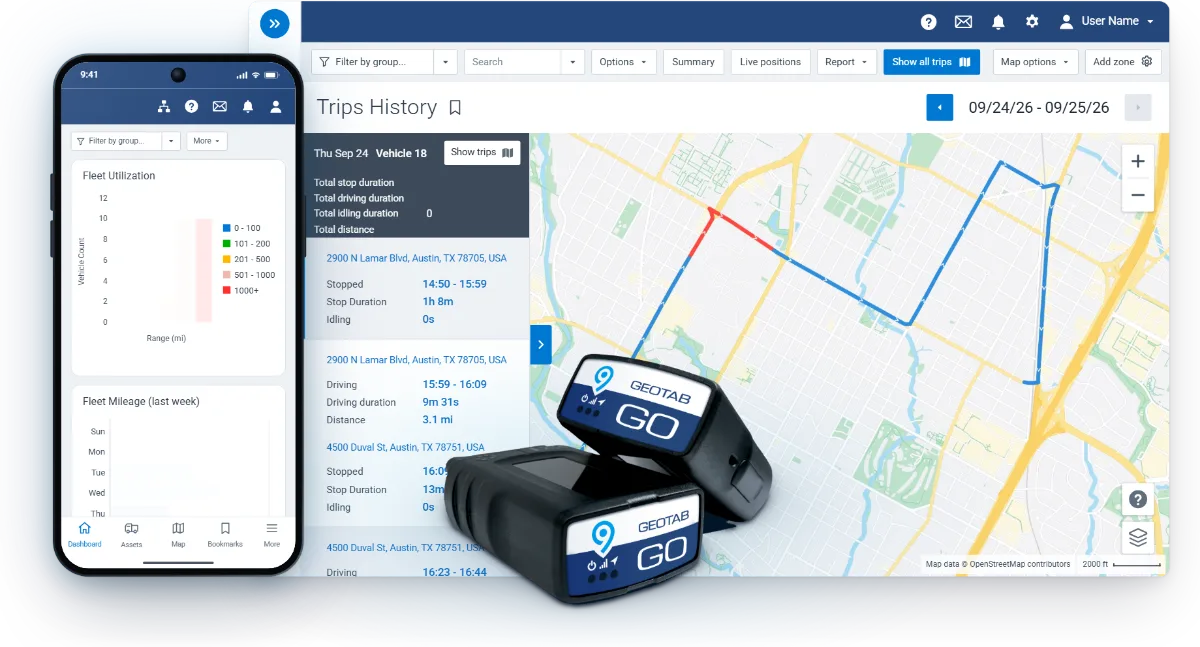
Geotab GO9 installation
Cars, pickups, vans, box trucks, buses, and heavy trucks, new or decades old.
Geotab GO9 size and fit
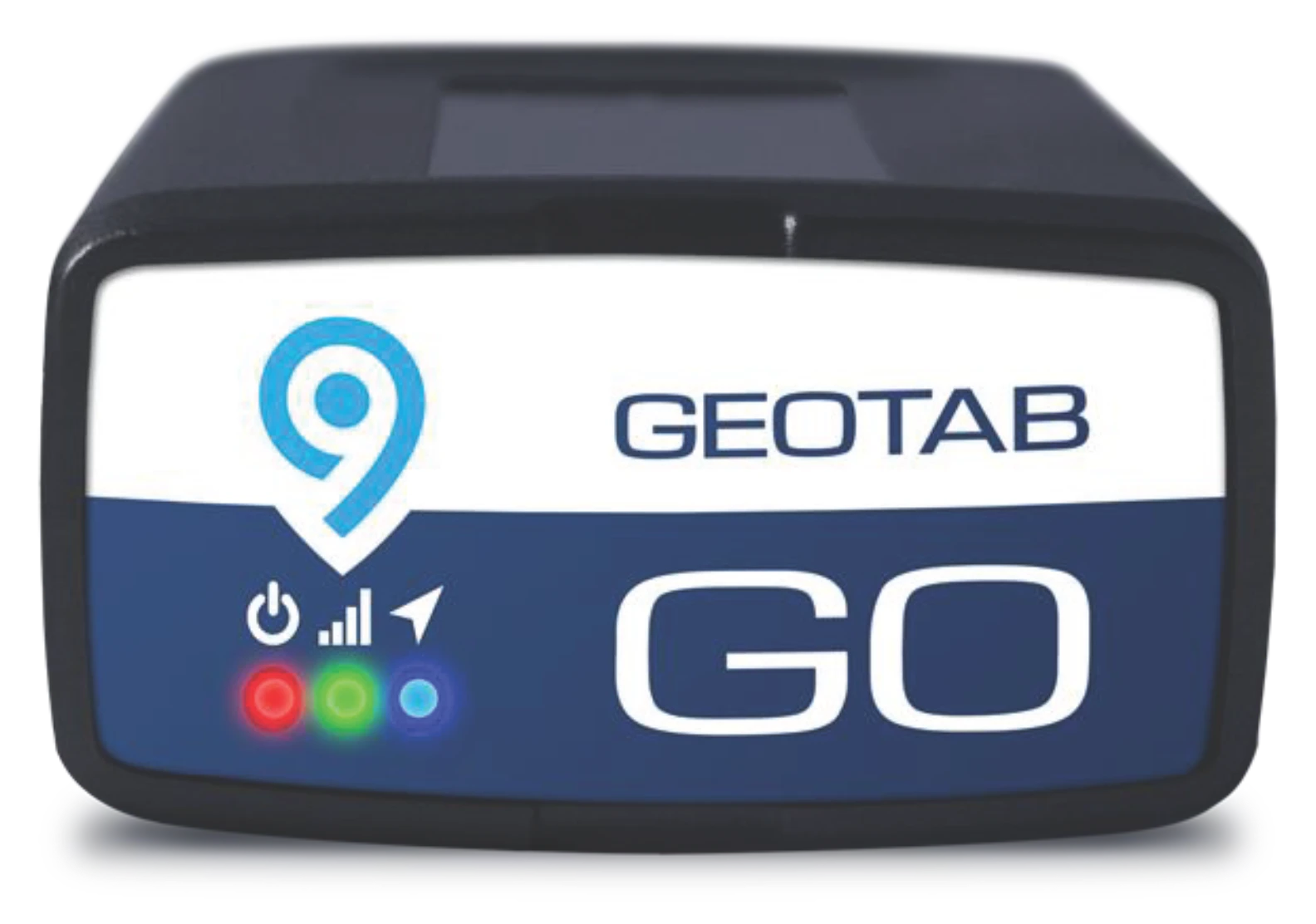
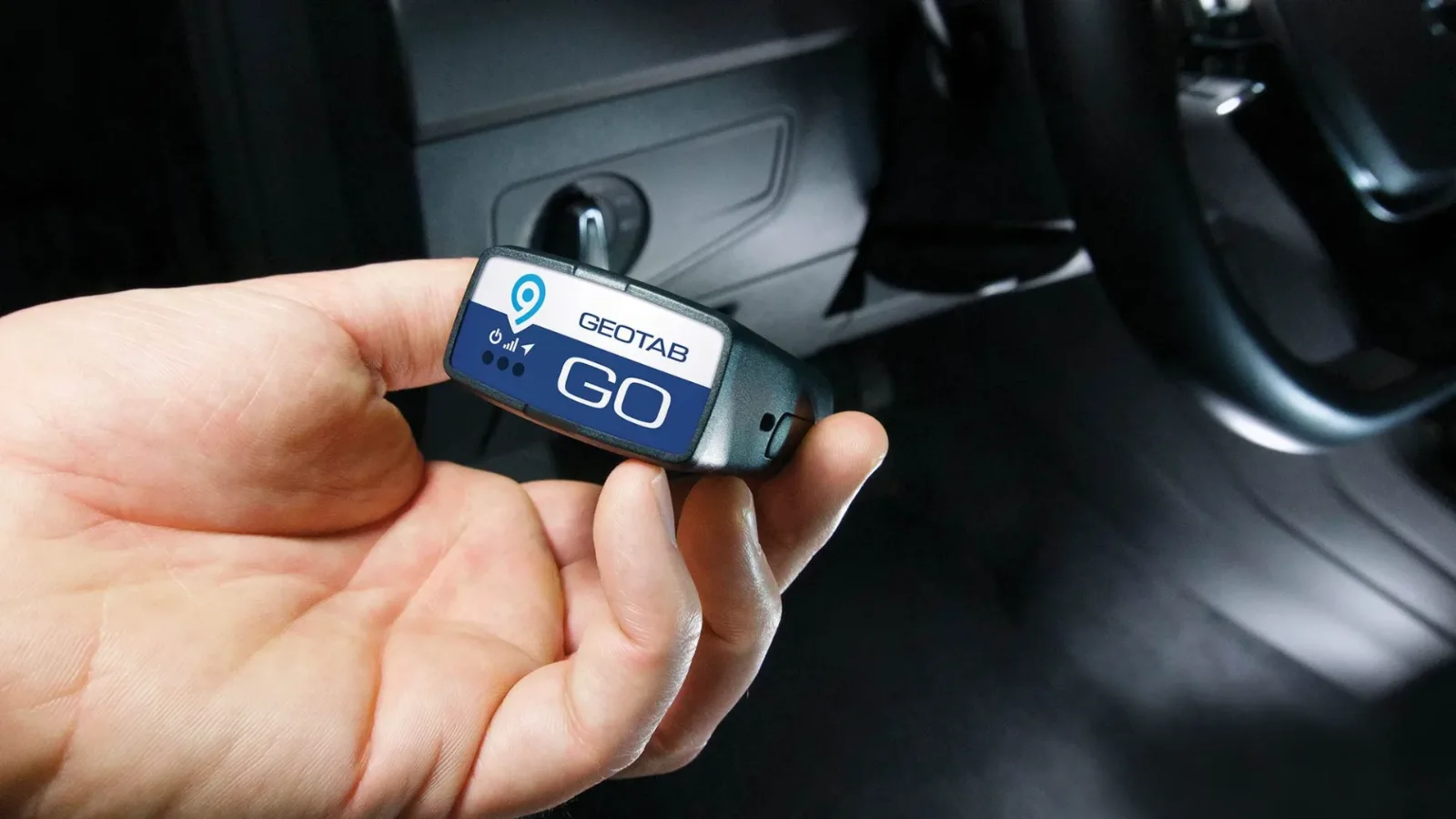
Most vehicles. No tools, no wiring.
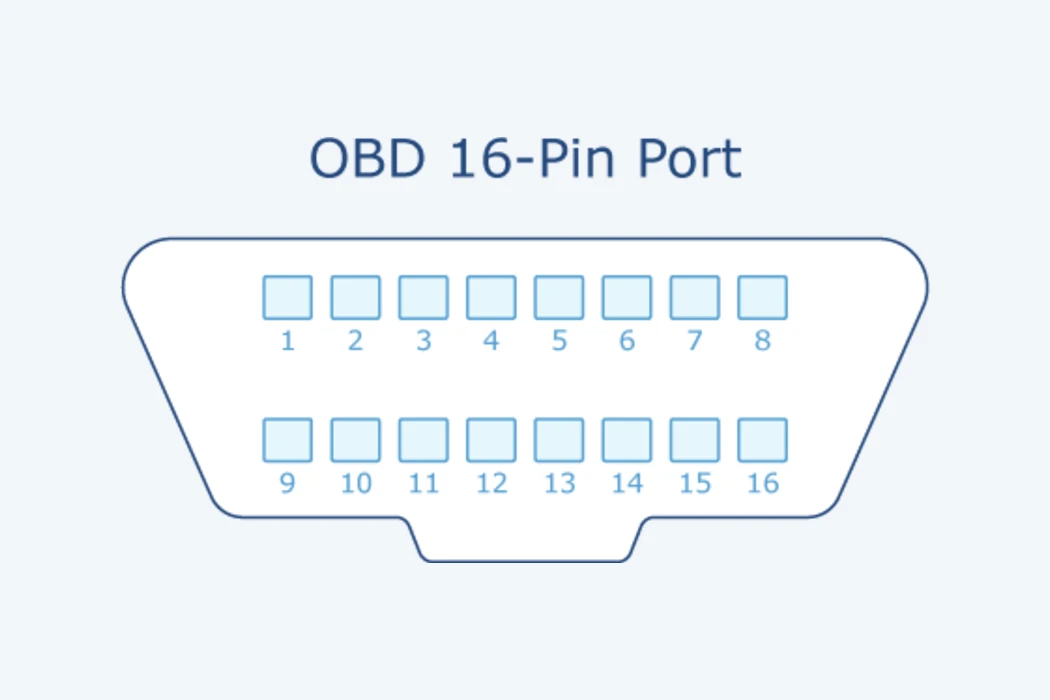
Find the diagnostic port under the dash, at or below knee level on the driver's side.
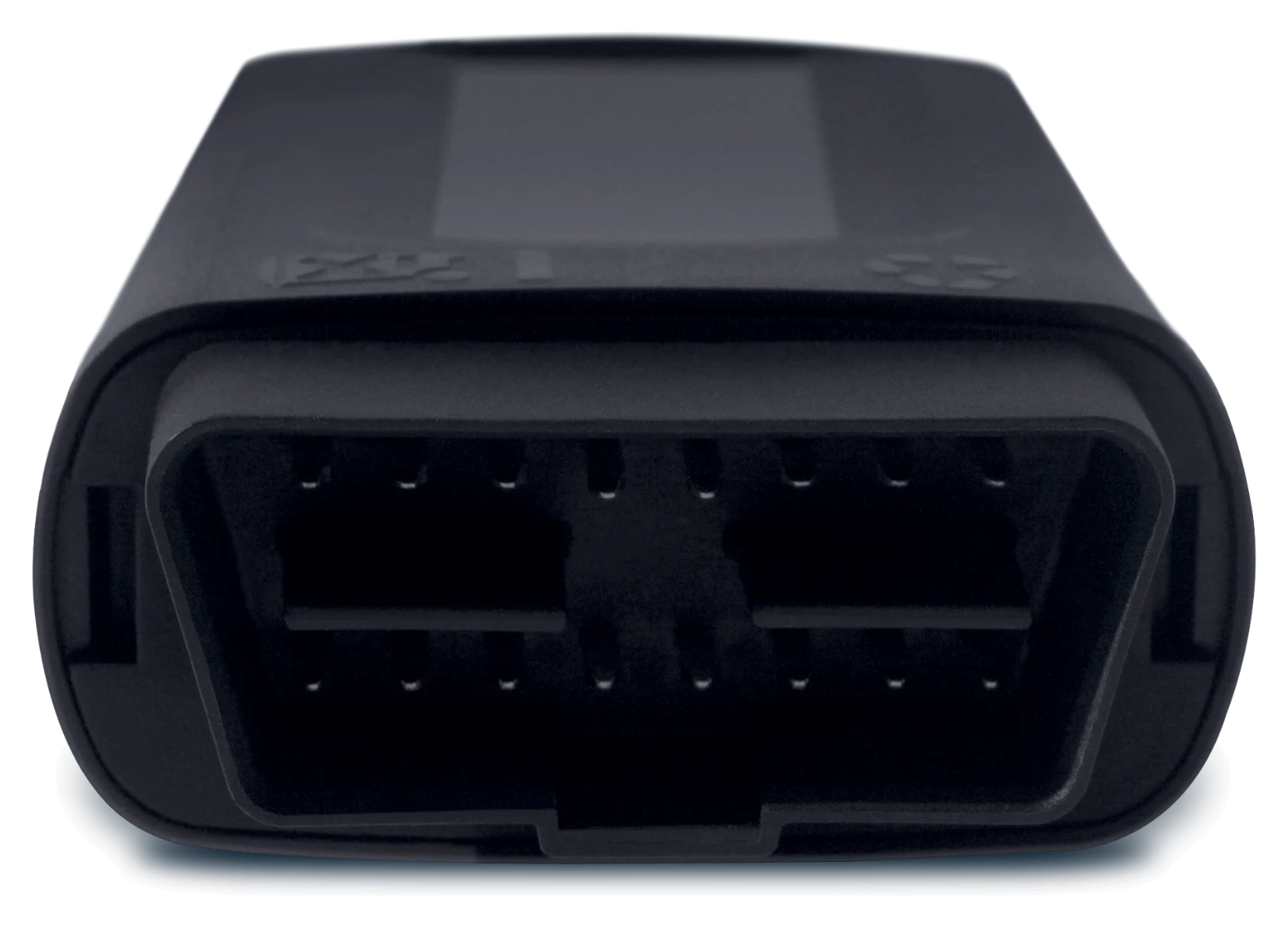
Push the GO9 in until it seats. A quick run of beeps means it has power.
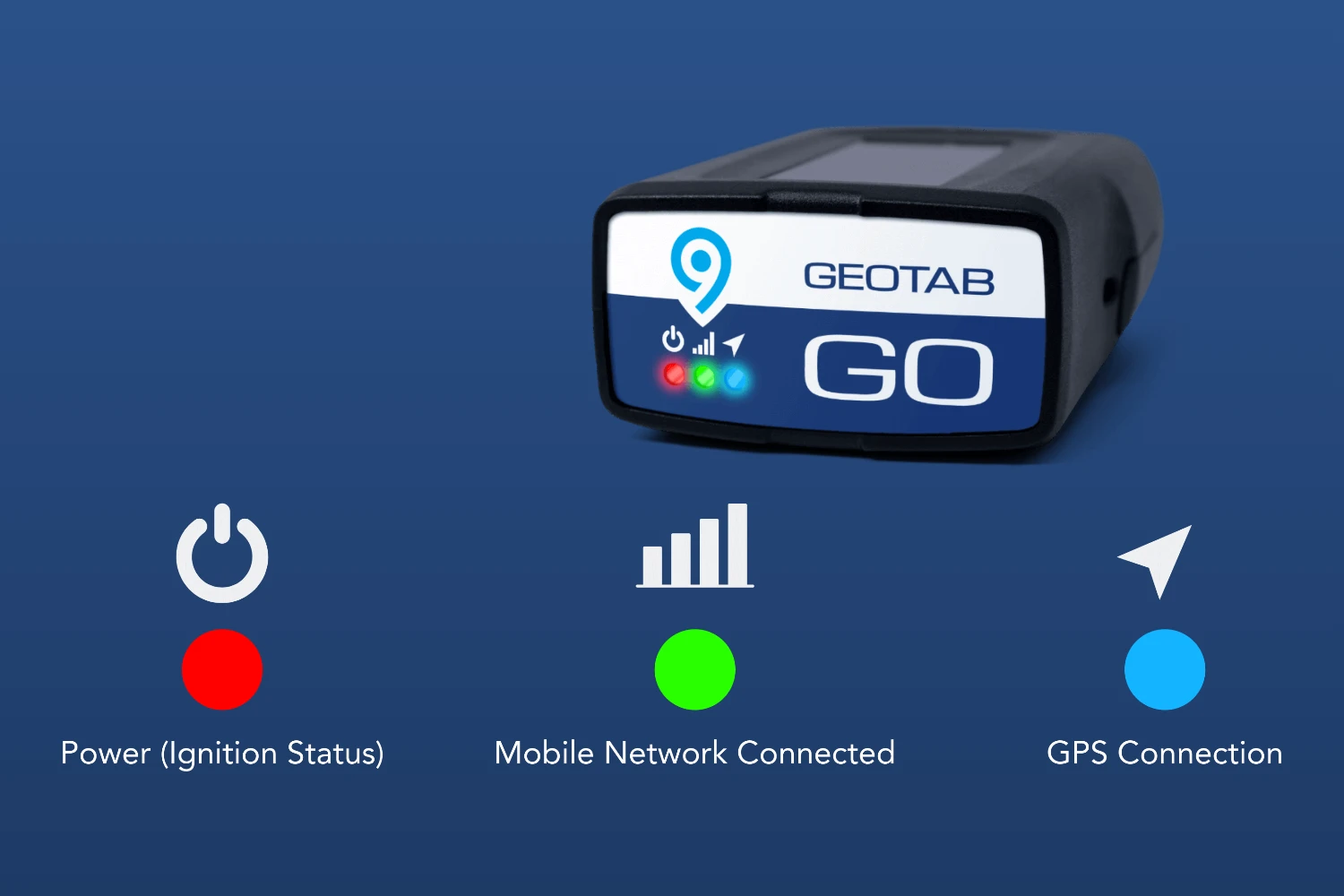
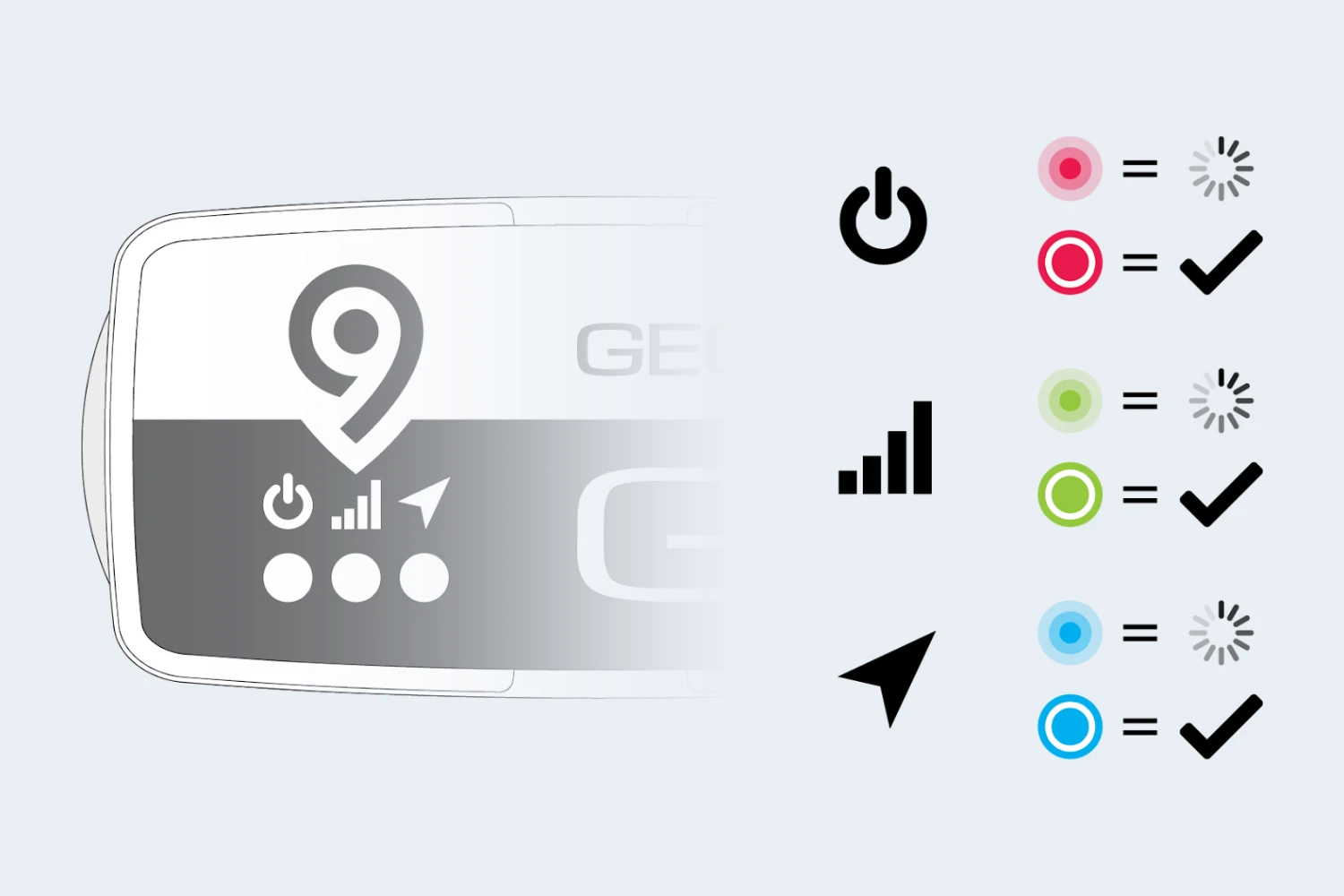
Watch the lights: green finds cellular, blue finds GPS. Once both are solid, you can walk away while setup finishes on its own.
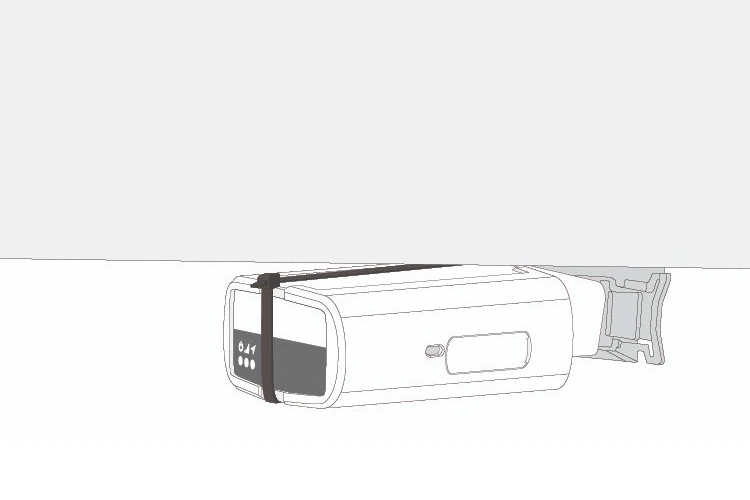
Secure it with the cable tie in the box.
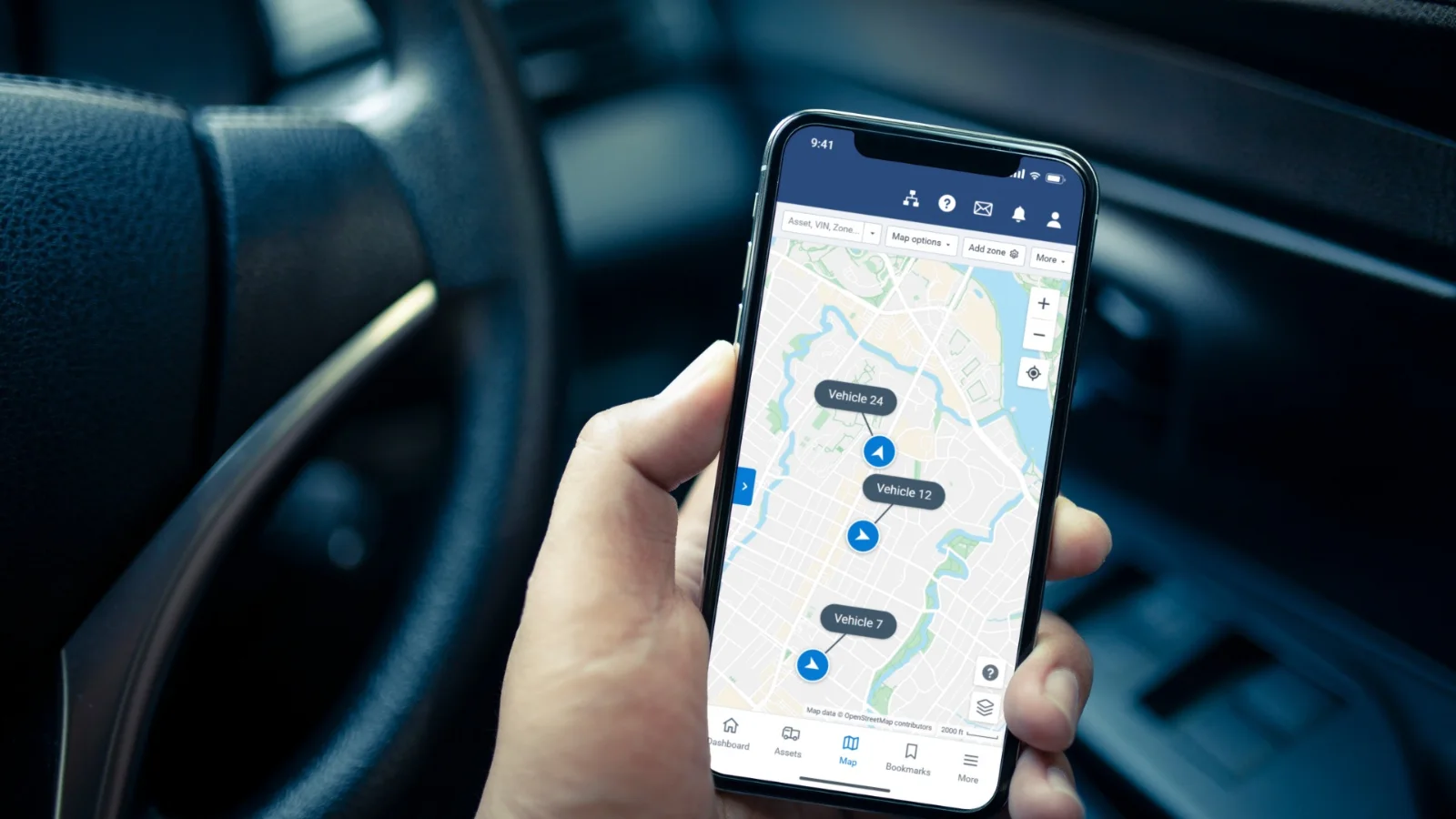
The vehicle appears on your MyGeotab map, and we confirm it is live with you.
For a port that sits in the driver's way, or a tracker you want out of sight. Your shop's scan tool still plugs in without unplugging the tracker.
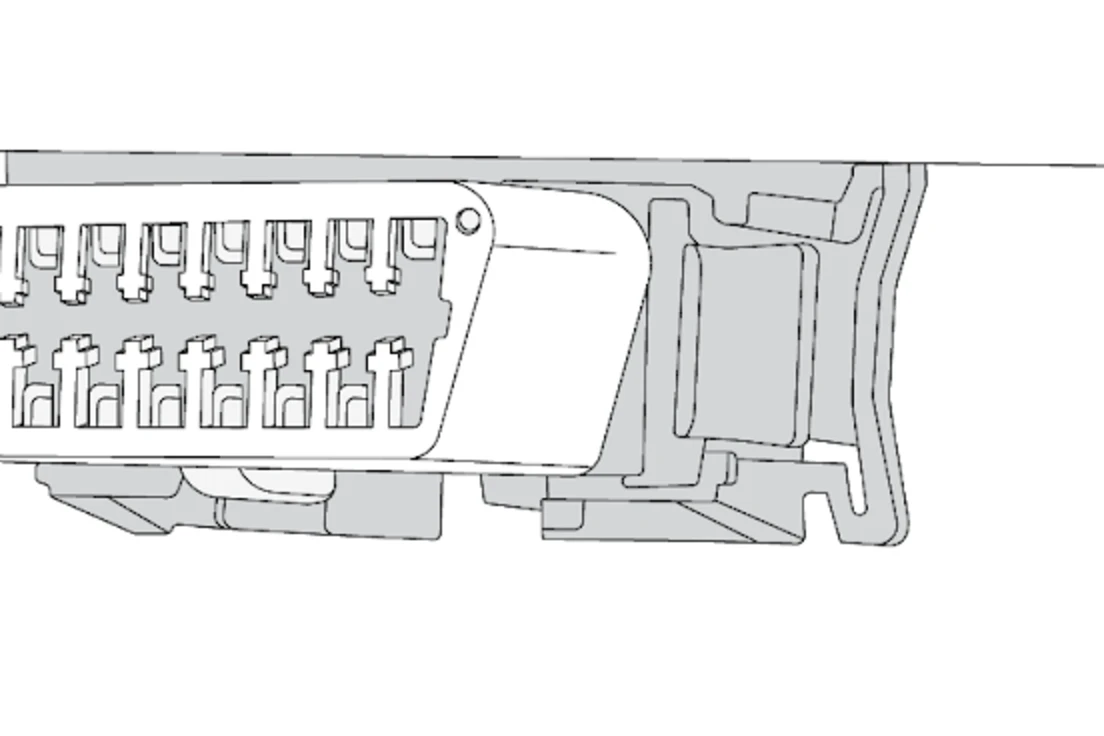
Unclip the vehicle's diagnostic port from its mount.
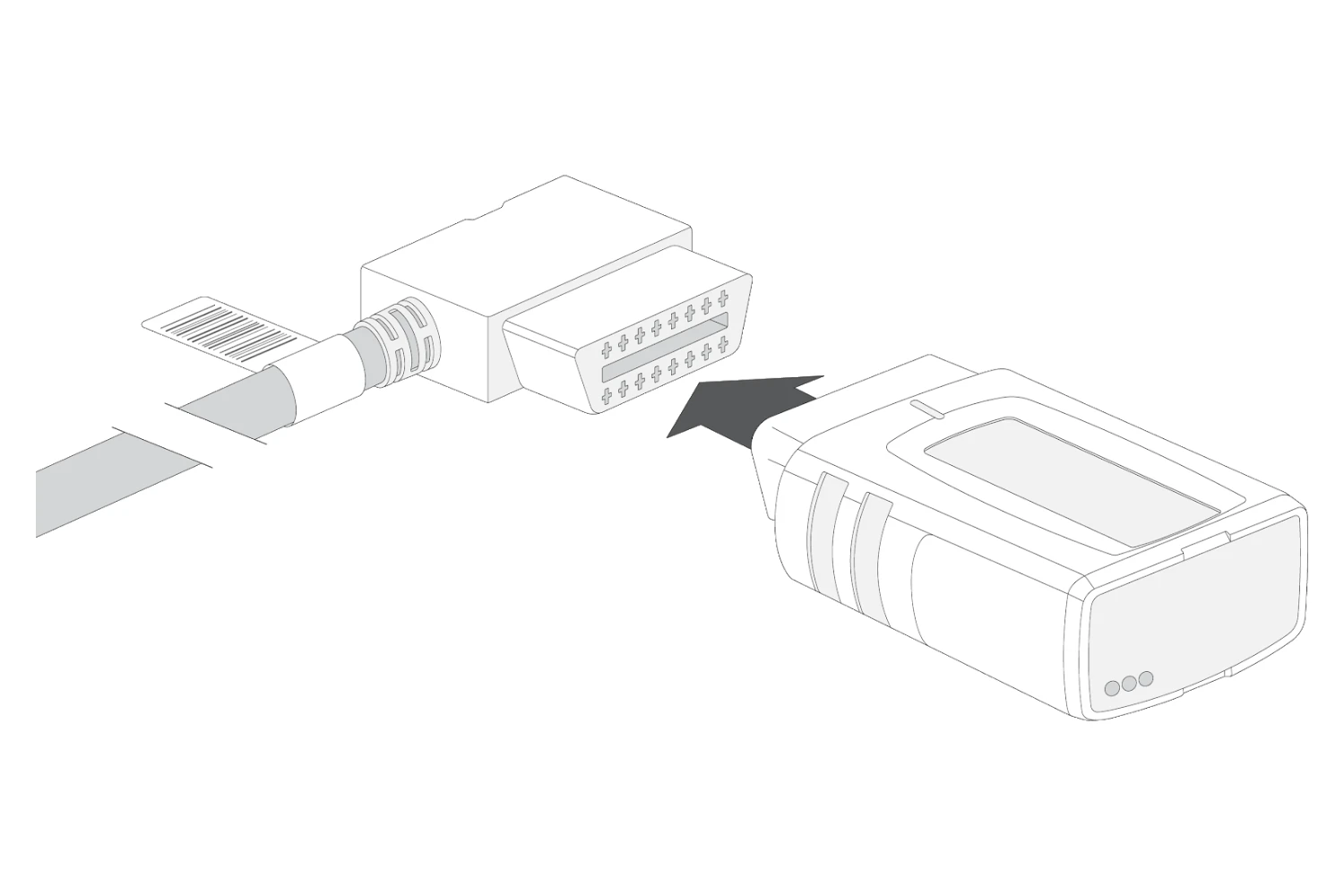
Plug the harness into the port and clip the harness bracket where the port was.
Plug the GO9 into the harness and tuck it up behind the dash, antenna side up toward the sky.
Cable-tie both connections.
Same beeps and lights, and we confirm it is live with you.
Heavy trucks and buses on the 9-pin, 6-pin, 14-pin, or heavy-duty 16-pin connector, matched before it ships.
Unplug the truck's diagnostic connector from its dash bracket.
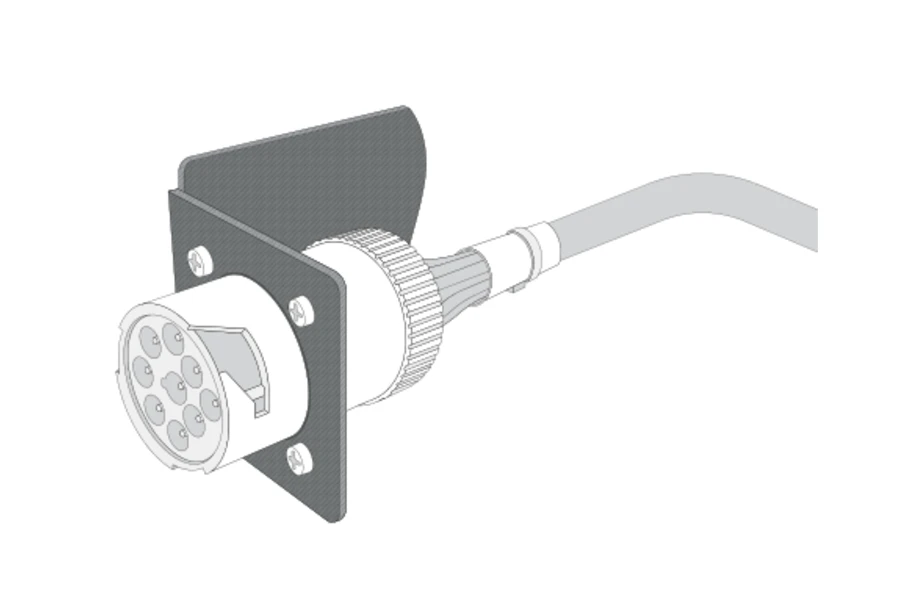
Seat the heavy-duty harness in that same bracket.
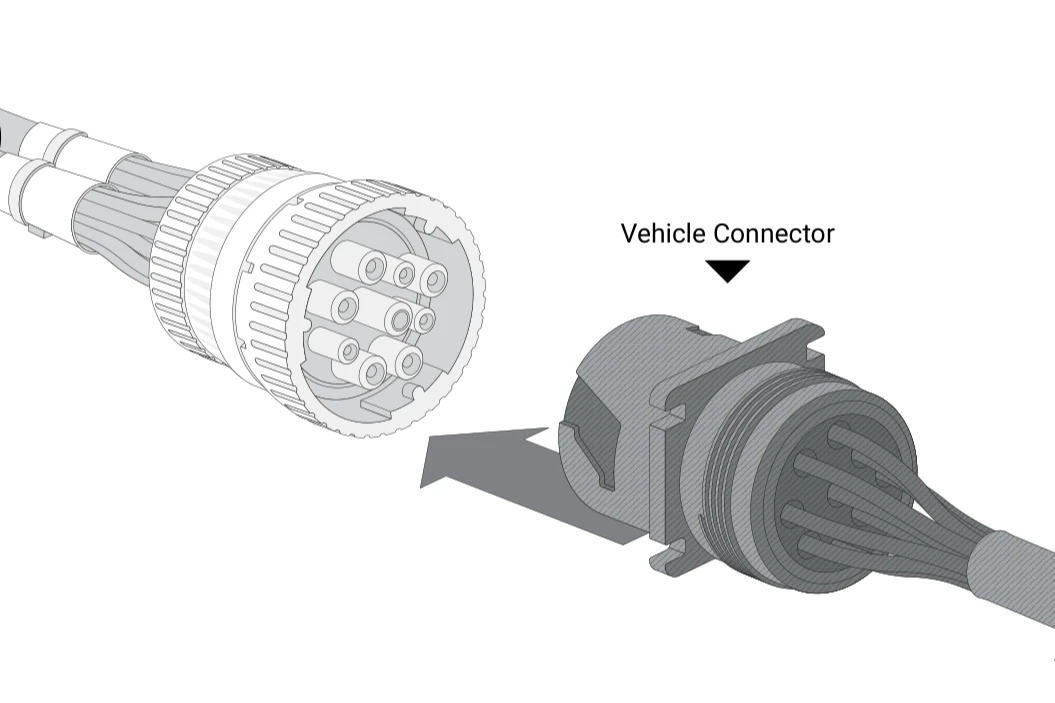
Plug the truck's connector into the harness and lock it in place.
Plug the GO9 into the harness and tie it up out of the driver's way.
Same beeps and lights, and we confirm it is live with you.
The lights are on the end that faces you: green for cellular, blue for GPS.
How to Install Geotab Universal 9-Pin Heavy Duty T-Harness
Video from Geotab's official channel, shown as a general guide. Your heavy-duty harness ships matched to the truck's make, model, and year, and we confirm it is live while you stand at the truck.
If a vehicle is different
Odd ports, heavy trucks, older vehicles, and yards with no signal are still a job for your own crew.
Your crew: Plugs the harness into the port, plugs in the GO9, and cable-ties both. Same beeps, same lights.
How we help: We match each vehicle by make, model, and year, so the right Plug-N-Play harness is in the box.
Your crew: Clips the harness bracket where the port was and tucks the GO9 up behind the dash, antenna side up.
How we help: The harness ships in the box, matched to the vehicle, and we confirm it is live with you.
Your crew: Seats the heavy-duty harness in the dash bracket, locks in the truck's connector, and plugs in the GO9.
How we help: We match the truck's connector by make, model, and year, on 12V or 24V, so the harness fits.
Your crew: Connects the three-wire harness to the battery and ignition, fuse in the kit, and ties the GO9 up.
How we help: We confirm the right wiring and install path before anything ships.
Your crew: Plugs it in like any other vehicle. Models with their own connector get a matched harness for the GO9.
How we help: We match every EV by make, model, and year, and many EVs report from the factory with no hardware.
Your crew: Plugs it in and walks away; if the lights blink under a roof, rolling into the open turns them solid.
How we help: It arrives configured, so setup finishes on its own once the vehicle reaches coverage.
Most cars, pickups, and vans do not. A port in the way, behind a panel, or on a heavy truck gets one in the box.
No. Plug it in and walk away, and setup finishes on its own once the vehicle has coverage.
When the green and blue lights go solid: green found cellular, blue found GPS. We confirm it is live with you.
Antenna side up: the GPS antenna is on the GO9's flat underside, so that side faces the sky.
We stay on the line until the device is reporting. New to Geotab: start with a free demo device.