Heavy equipment GPS installation
Sealed and Matched: Geotab GO Rugged Installation for Heavy Equipment
Excavators, loaders, dozers, skid steers, and other heavy equipment on 12V or 24V. On-road vehicles take the GO9 or GO10.
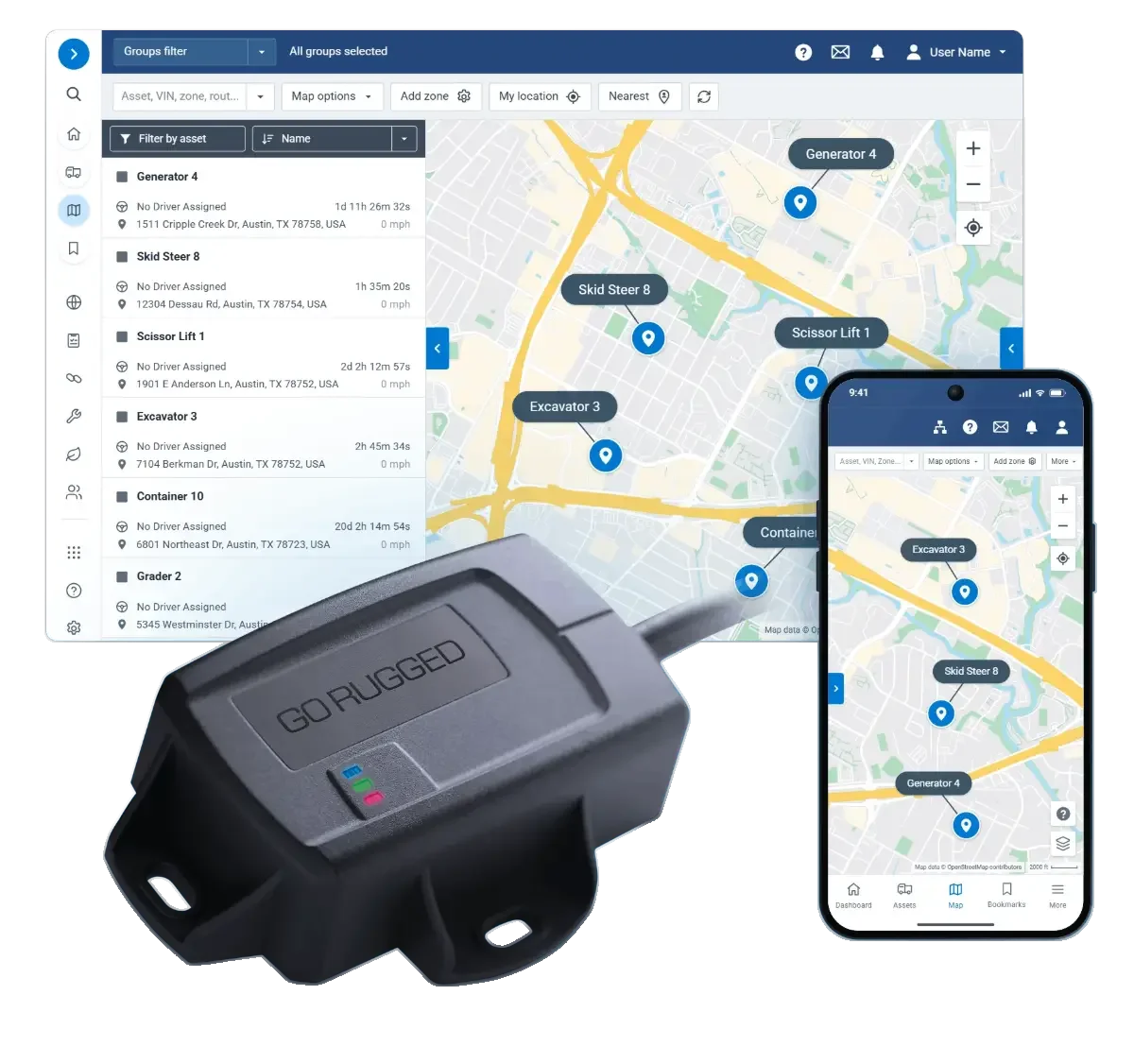
Heavy equipment GPS installation
Excavators, loaders, dozers, skid steers, and other heavy equipment on 12V or 24V. On-road vehicles take the GO9 or GO10.
Geotab GO Rugged size and fit
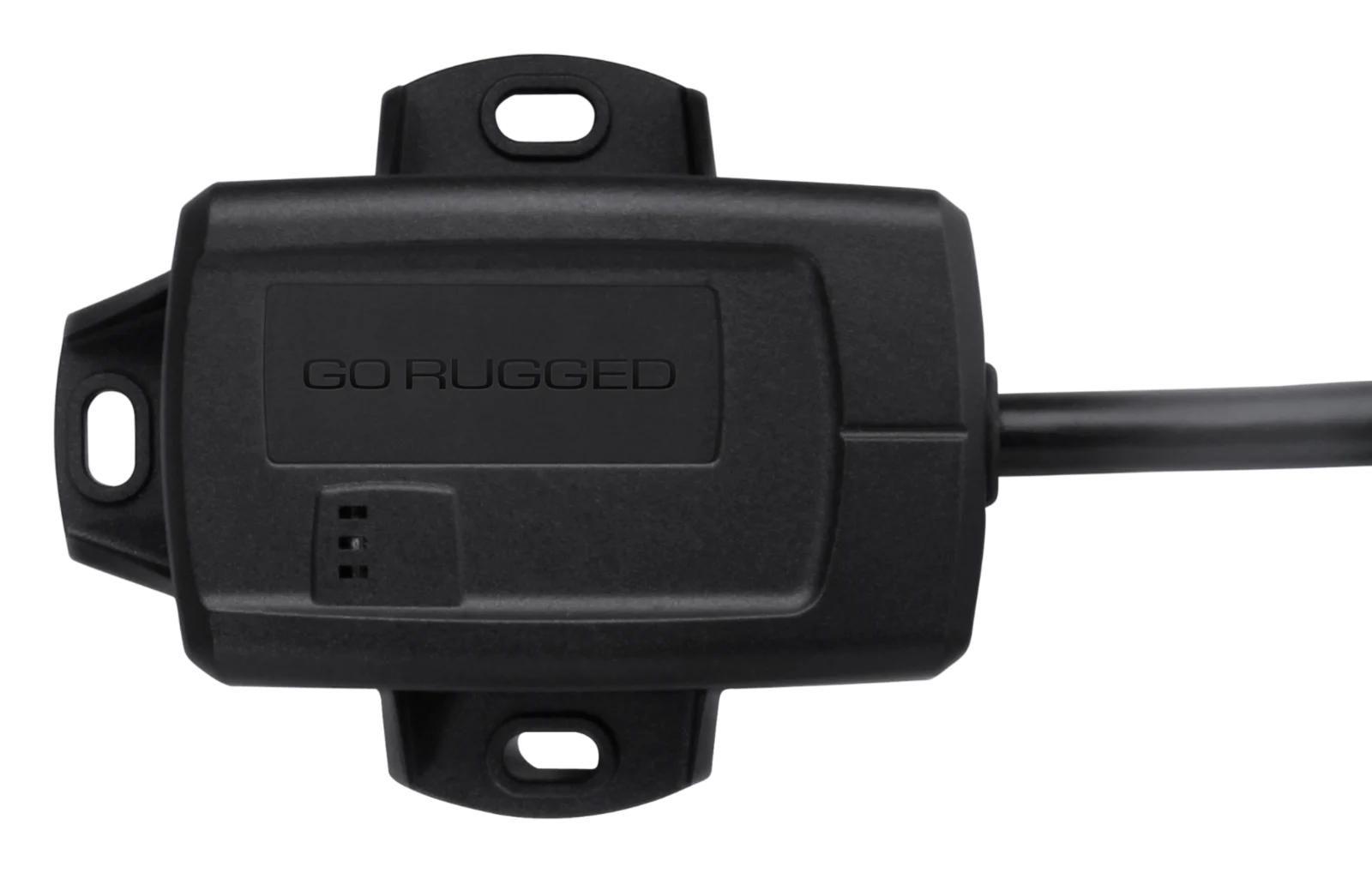
Machines with a diagnostic connector. True engine hours and faults, straight from the machine.
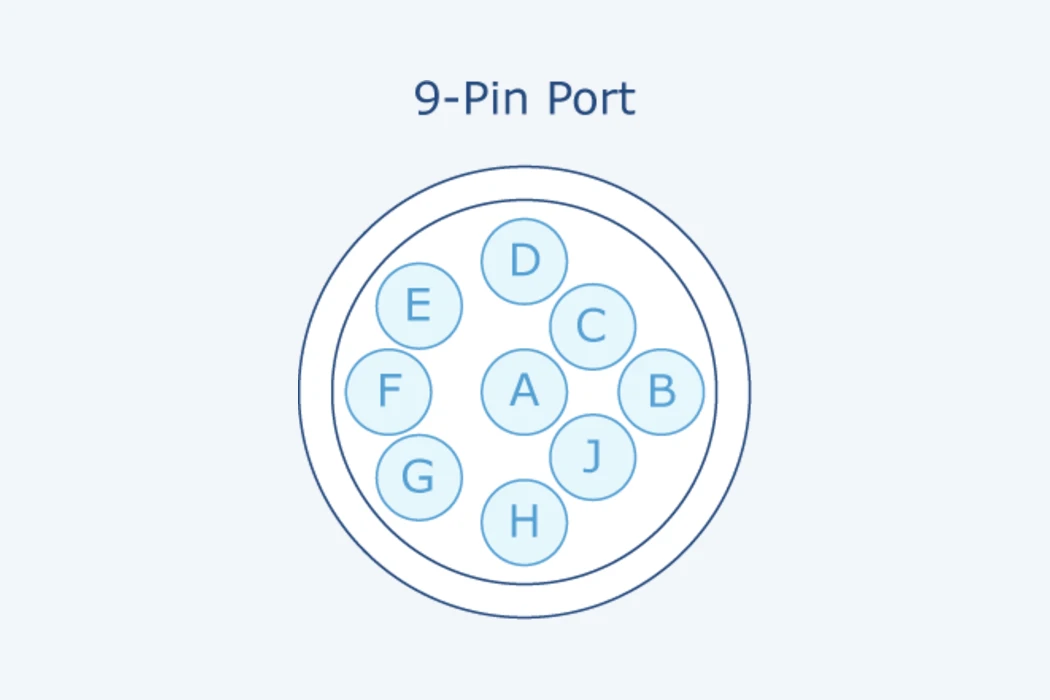
Find the machine's diagnostic connector and unclip it from its bracket.
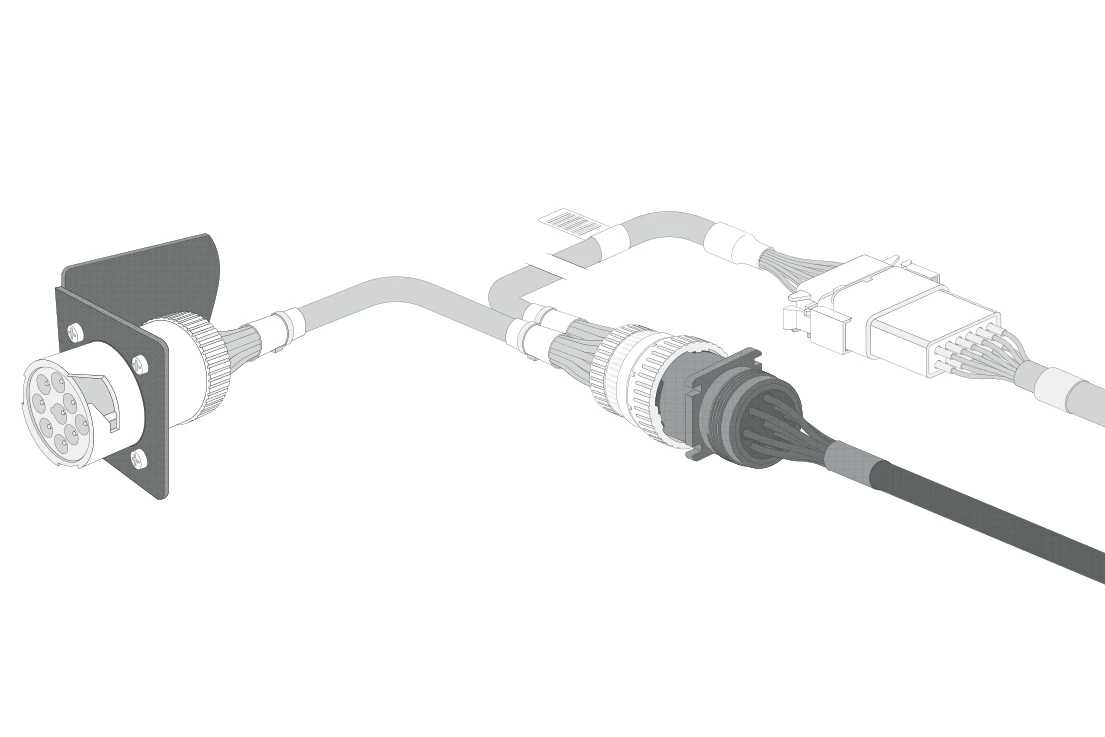
Seat the sealed GO Rugged harness in its place.
Plug the machine's connector into the harness and lock the ring.
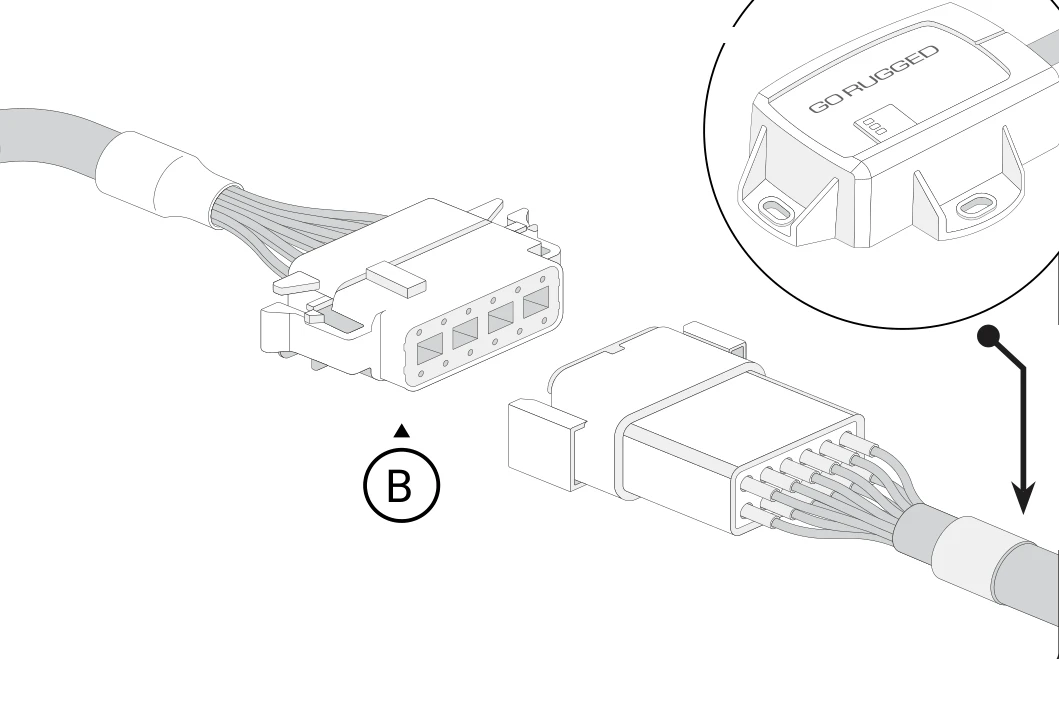
Click the GO Rugged onto the harness and mount it label up, with a view of open sky.
The status lights go solid as it finds cellular and GPS, and we confirm hours and position on your map.
Smaller engines and older machines with no diagnostic connector.
We confirm the right weatherproof wiring with you before it ships.
Connect the three leads to the machine's battery and ignition. The fuse comes in the kit.
Click the GO Rugged on and mount it label up. It auto-calibrates when powered.
The status lights go solid, and we confirm it is reporting.
If a machine is different
24V machines, machines with no port, odd connectors, and jobsites past coverage are still a job for your own crew.
Your crew: Does the same install: seats the sealed harness, clicks on the GO Rugged, and the lights go solid.
How we help: GO Rugged installs on 12V and 24V, and we confirm the right weatherproof wiring before it ships.
Your crew: Connects the sealed three-wire harness to battery and ignition, fuse in the kit, and mounts it label up.
How we help: It reads ignition from voltage and movement, and we confirm it is reporting with you.
Your crew: Connects the GO Rugged harness built for exactly that machine.
How we help: We match it at the desk, so run time still reaches your map, and we confirm engine hours with you.
Your crew: Swaps in the kit's matching adapter by hand, with no special tools, then seats and locks the harness.
How we help: Machines with a make-specific connector get their matched sealed harness in the box.
Your crew: Mounts it outside on top of the cab, label up, with open sky above, on a solid part of the machine.
How we help: It is sealed to IP68 and IP69K, and its locking harness seals stand up to pressure-washing.
Your crew: Installs it the same way. Setup finishes once the machine reaches coverage.
How we help: It stores data until coverage returns, and a satellite add-on carries critical data past cellular.
Outside, label up, on a solid part of the machine with open sky above, such as the top of the cab.
GO Rugged, configured, plus its sealed harness or sealed three-wire harness, matched to the machine.
No. GO Rugged is for heavy equipment, and trucks, pickups, and vans take the GO9 or GO10.
The status lights go solid as it finds cellular and GPS, and we confirm hours and position on your map with you.
We stay on the line until the device is reporting. New to Geotab: start with a free demo device.