Geotab Fleet Routing and Dispatch Dispatch and Field, Fully Aligned
One Map, One Plan
- Routes Built on Predictive Road Speeds
- Planned vs. Driven Routes, Compared for You
- No Second App for Drivers
- Time-Stamped Arrivals That Back Up Billing
One Map, One Plan
Daily Operations
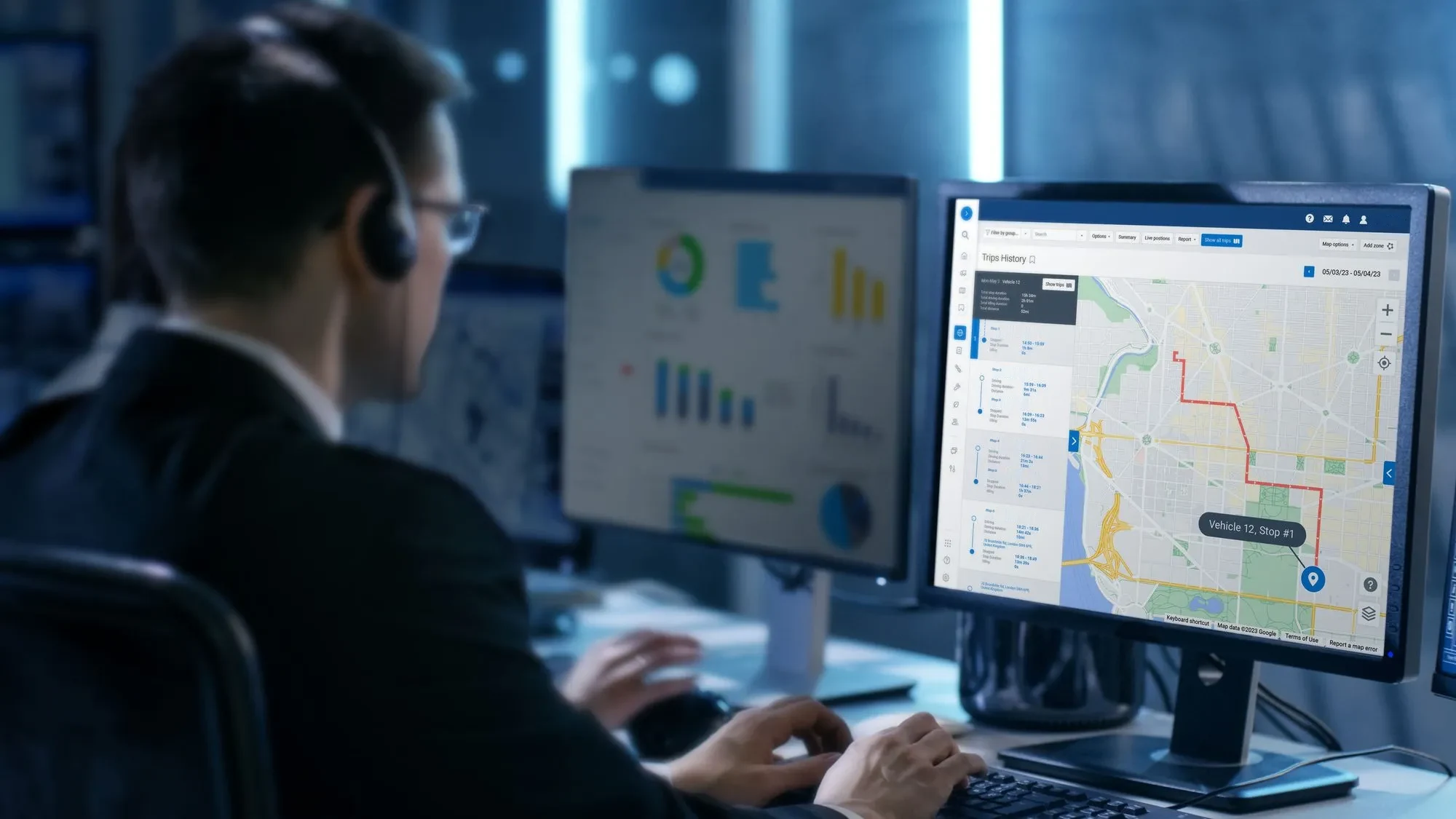
When the office sees what the field sees, the day runs smoother for both.
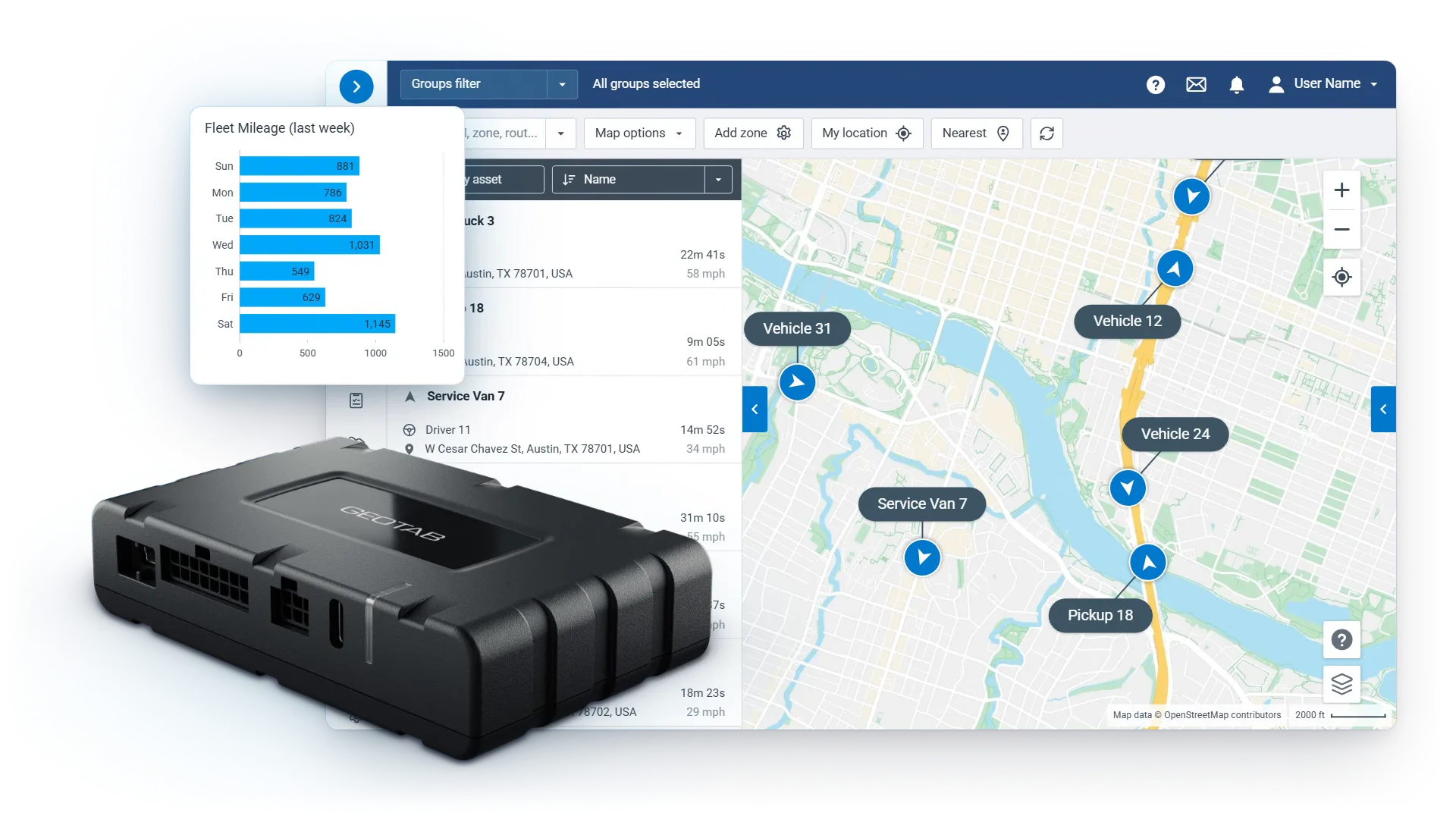
Sequence stops sensibly and adjust as the day changes.
See who is closest, running late, or free next, and answer where-is-everyone from the map.
Give customers real arrival windows instead of guesses.
Dispatch Results
Dispatch resequences or reassigns stops in near real time, and the driver sees the change at once.
Routes, changes, and dispatch messages arrive in the same driver app used for logs and inspections.
Clearer routing and live visibility keep dispatch and drivers aligned on every stop.
Smarter routing trims miles between stops, so saved time closes extra stops.
Accurate ETAs and faster service build trust.
Less radio traffic, fewer surprises, smoother shifts.
Geofences
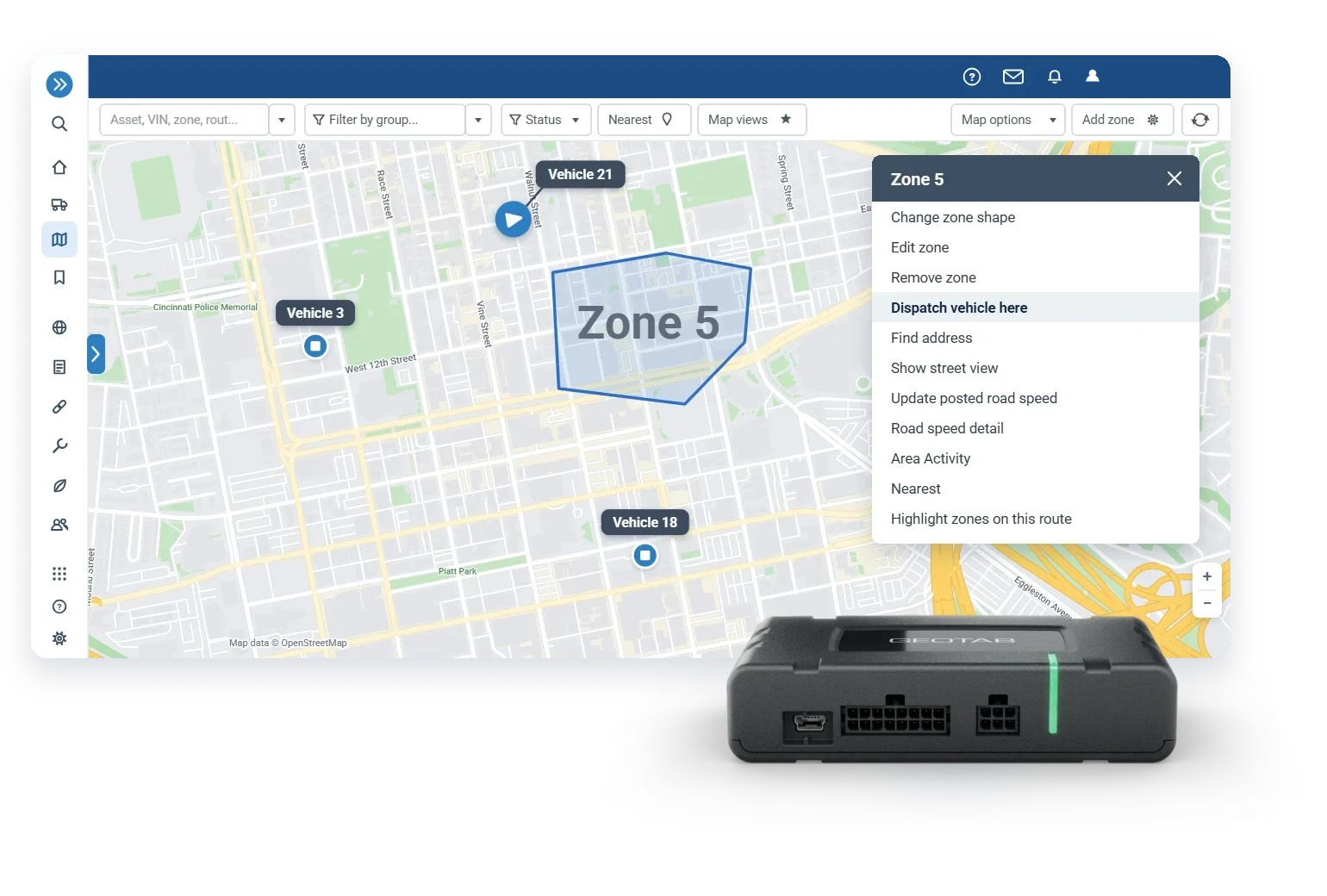
Customer sites, yards, and home bases become reusable geofences that drive the day's records.
Route Planning
Visibility shows where they are; Advanced Routing shows where they should be, for 5+ stops per driver a day.
Routing Results
Geotab routing trims the miles between stops and fits more jobs into every technician's day.
Every optimized route is checked against what was driven, automatically: stops, miles, and arrival windows.
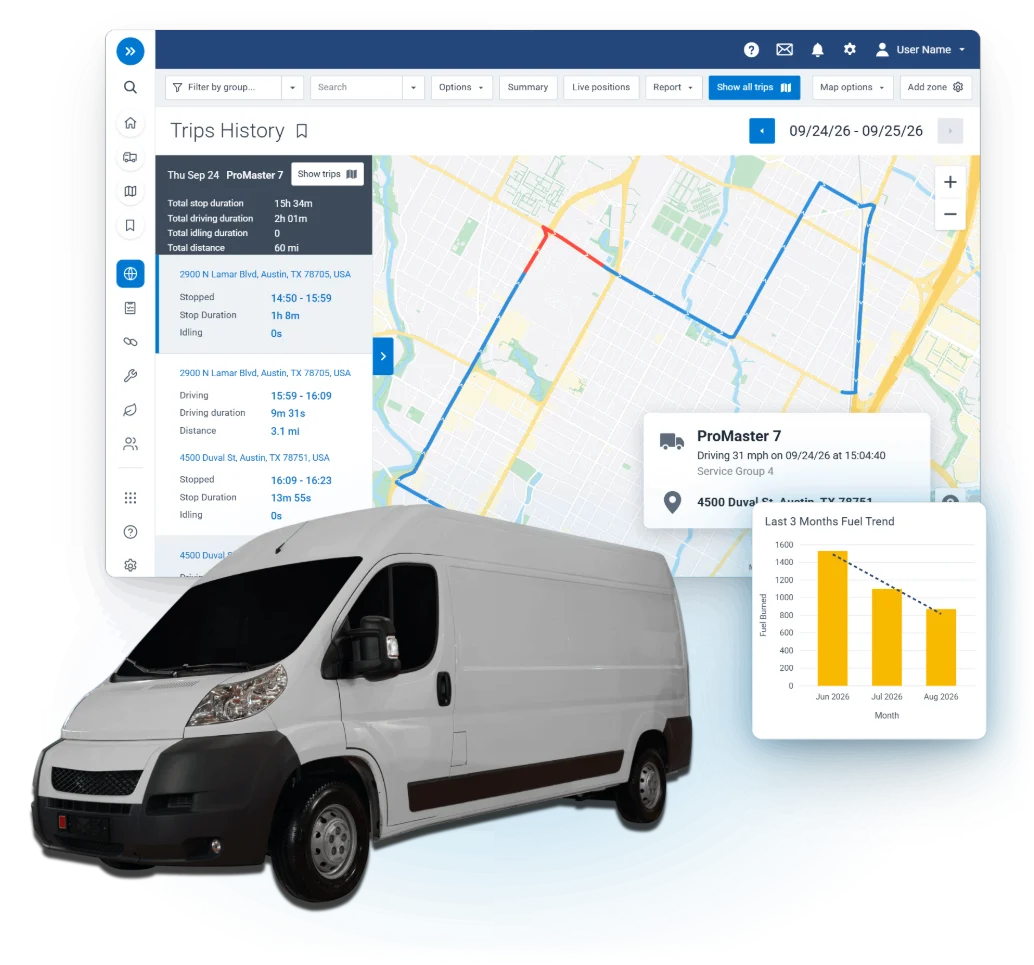
Builds optimized multi-stop plans against your priorities, using predictive road speeds and driver matching.
Manages the day as it changes: cancellations, emergencies, and the who-takes-this-call decision, in near real time.
Carves service areas so crews stop crossing each other's coverage.
Assigned stops land in the driver's app and sync both ways, so the office and the cab hold the same plan.
Fuel cost and wear factor into every route, from field service fleets to storm response for utility fleets.
Dispatch Screen
Map, alerts, and today's plan in a single view, so dispatch runs the day from one screen, not three tools.
Live location, trip history, and zones give dispatch accurate ETAs and the context to reroute quickly.
Alerts fire the moment a vehicle reaches a customer, yard, or restricted area, including after hours.
Plan vs Actual checks every optimized route against what was driven, automatically.

Questions
Live location, trip history, and zones give dispatch accurate ETAs and the context to reroute quickly.
Dispatch resequences or reassigns stops in near real time, and the driver sees the change at once.
Yes. Clearer routing and live visibility keep dispatch and drivers aligned, so fewer stops are missed or late.
It is an add-on. Basic routing comes with tracking; Advanced Routing adds optimization, dispatch, and driver sync.
5+ stops per driver per day. Lighter schedules run well on the Geotab routing tools built into tracking.
No. Routes, changes, and dispatch messages arrive in the same driver app used for logs and inspections.
“…we are able to see second-to-second, turn-by-turn location updates of our trucks in action. It has taken our live dispatch to another level.”Marshalls Locksmith, Raleigh, NC
Keep exploring
Put a free demo device in your fleet and see your own routes, stops, and ETAs on one live map.