Visibility From the Yard to the Wellsite

Past the Last Cell Tower

Geotab keeps trucks, crews, and equipment visible on lease roads, with satellite past the last cell tower.

  • Starlink Direct-to-Cell satellite where cellular ends
  • Journey management built in, set up for your pads
  • Battery trackers sealed for up to 10 years

The Real Problems

Three Risks in Oilfield Driving

01
The drive is the most dangerous part of the job

Every driver ranked by collision risk, with in-cab alerts as it happens. The average injury crash costs nearly $400,000 (FMCSA, 2024).

02
Assets go dark past the coverage line

Satellite-connected trackers keep reporting past the last tower, so remote equipment behaves like equipment in town.

03
Journey management lives on a whiteboard

Geofence arrival and overdue alerts make check-in automatic, with a record that stands up in an investigation.

Beyond Coverage

When Cellular Ends, Tracking Does Not

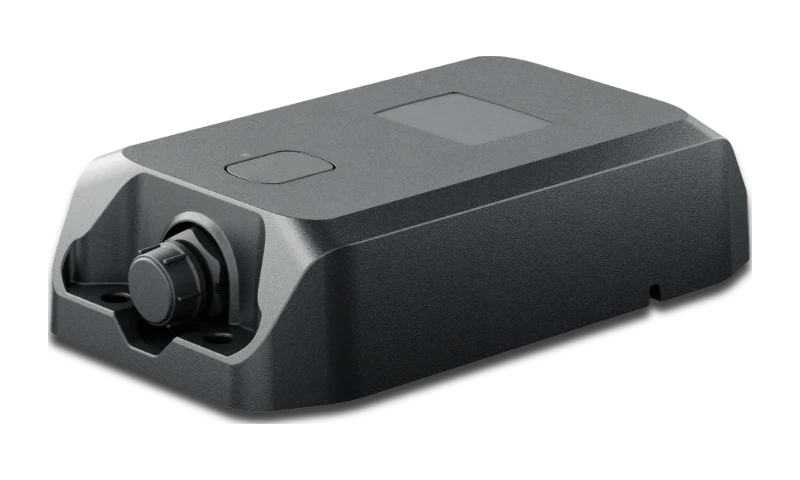
Remote assets keep reporting where cellular does not reach, over satellite (GO Anywhere Plus).

  • Beyond-cellular coverage: tanks, generators, and trailers stay on the map, however far out they sit
  • Complete trip records: vehicle trips buffer through dead zones and upload in full when signal returns
  • Driver safety scoring: the drivers headed for an incident are flagged before it happens
  • Engine hours in the field: service remote equipment on real usage, not guesses
GO Anywhere Plus site check-in: rings from the top-face LED, 95% battery and the Satellite + LTE link on the live card

What Changes

One Map From the Yard to the Farthest Pad

One map for the whole field

Heavy iron, light trucks, tanks, and trailers report into a single view, not four disconnected systems.

See it in MyGeotab
Records that stand up

Site time, hours of service, and inspections recorded without paperwork, ready when a client or regulator asks.

Uptime on remote iron

Hours-based service comes due before the failure, wherever the iron sits.

Our Advice

Hardware for Crew Trucks, Heavy Units, and Remote Assets

Start a Free Pilot Today

Built for remote operations

Pad Zones, District Groups, and Scheduled Field Reports

Coverage is step one. These are the zones, rules, and reports we configure so the field runs on data, from the pad to the back office.

  1. 01Pad and yard geofences

    Every pad, yard, and lease entrance zoned; time on site records itself.

  2. 02Fuel and idle rules

    Idle thresholds set yard by yard, heavy units and light trucks.

  3. 03Digital inspections and driver hours

    Pre-trip checks and hours of service logged on the driver's phone, audit-ready.

  4. 04Groups by district

    Supervisors see their pads and crews; HSE sees the whole operation.

  5. 05Scheduled reports to the office

    Site time, rule events, and utilization, delivered on a schedule.

  6. 06Configured and supported here

    Built before the first run, supported after, U.S.-based.

Configuration

Zones and Rules From the Pad to the Back Office

Need a zone moved or an alert added mid-job? You call your team here.

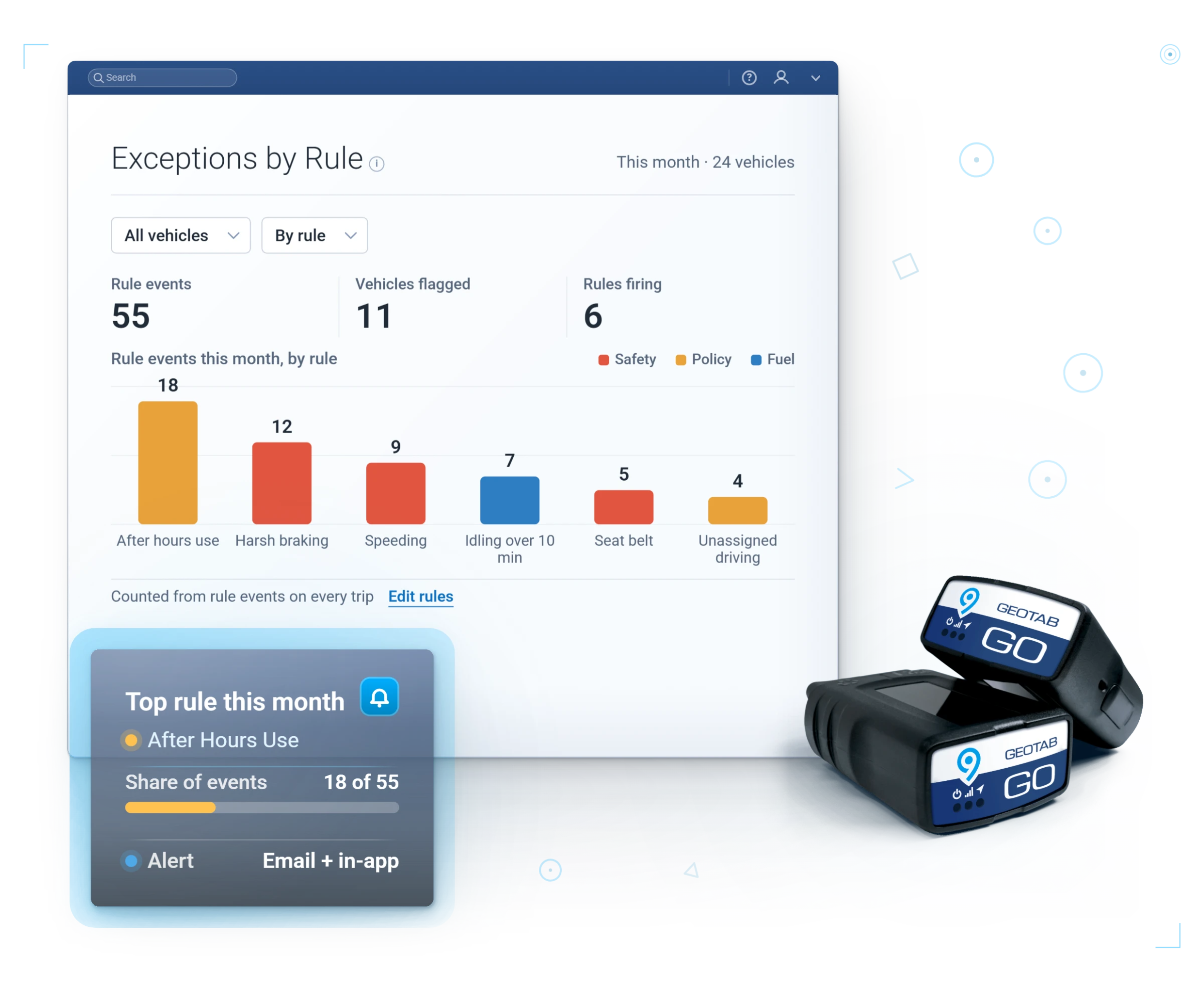
Exceptions by rule this month: after hours, harsh braking, speeding and idling counted per vehicle

Questions

Oil and Gas Fleet FAQ

Do we have to wire every asset?

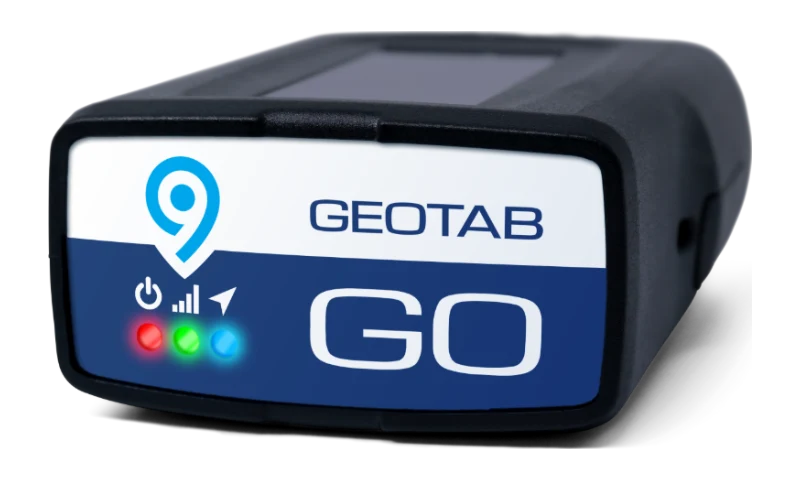
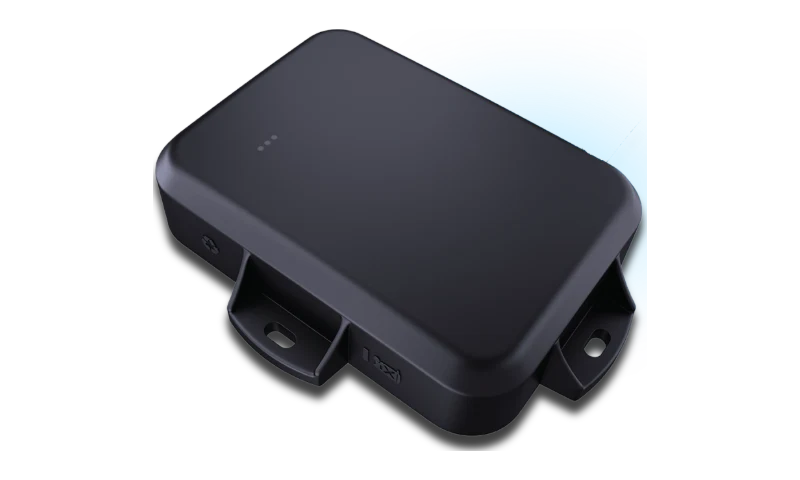
No. Battery GO Anywhere trackers self-install on tanks, trailers, and staged equipment with no wiring, up to ten years per battery. Wired GO Anywhere Plus units go on assets where you also want engine hours and satellite reporting.

Can I monitor for safety in the field?

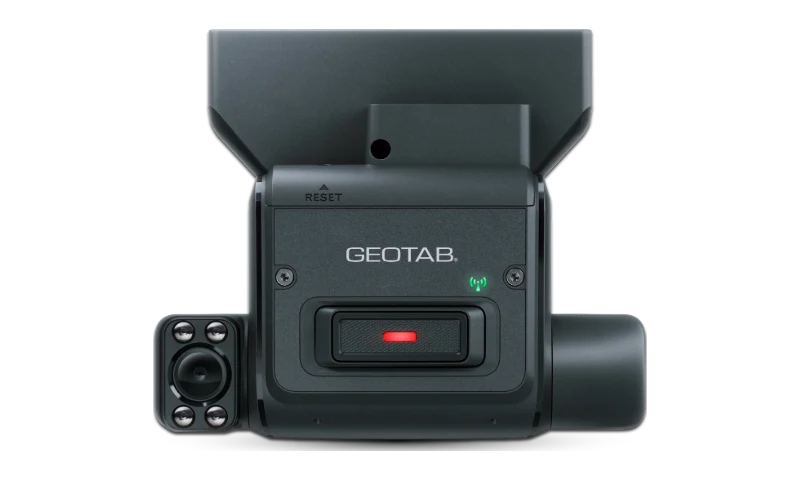
Yes. Speeding, harsh driving, and seatbelt use feed a collision-risk rank for every driver, and AI cameras add road and in-cab context for lone-worker safety.

What about heavy and specialized assets?

Heavy equipment, tanks, and trailers get trackers built for them and sit on the same map as the light vehicles.

What happens to the data when a truck is out of coverage for hours?

Nothing is lost. The tracker stores the trip and uploads the complete record when coverage returns. For fixed assets that live beyond cellular, satellite-connected trackers (GO Anywhere Plus, Starlink Direct-to-Cell) mean reporting never pauses.

Can we run journey management without buying another platform?

Yes. Zones, arrival windows, overdue alerts, and after-hours movement rules are all built in, nothing extra to buy. We configure them around your pads, yards, and routes so the journey board stays current on live data, not check-in calls.

Can we service remote equipment on actual hours?

Yes. Wired trackers on remote assets and the sealed unit on heavy iron both report engine hours and ignition state. Maintenance reminders trigger on real usage wherever the asset sits.

The Whole Field, Still Reporting

Tell us where your fleet works and we will build a demo with the right mix of cellular and satellite tracking.

You reach a U.S.-based fleet specialist here, not a call center or a ticket queue.

Prefer to talk? (877) 771-2236