When you always know where the iron is

Every machine, truck, and trailer on one map


Job sites move and equipment scatters. Geotab puts your whole mixed fleet in one view.

  • Mixed fleet visibility across vehicles, equipment, and trailers
  • Theft and after-hours movement alerts for job sites
  • Utilization data that cuts rental spend
Geotab GO Rugged with a tracked excavator

On the Job Site

Built for dirt, distance, and deadlines

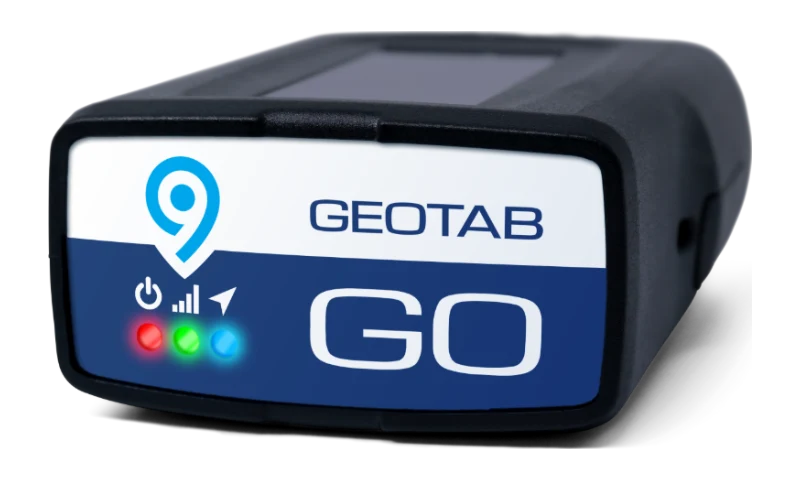
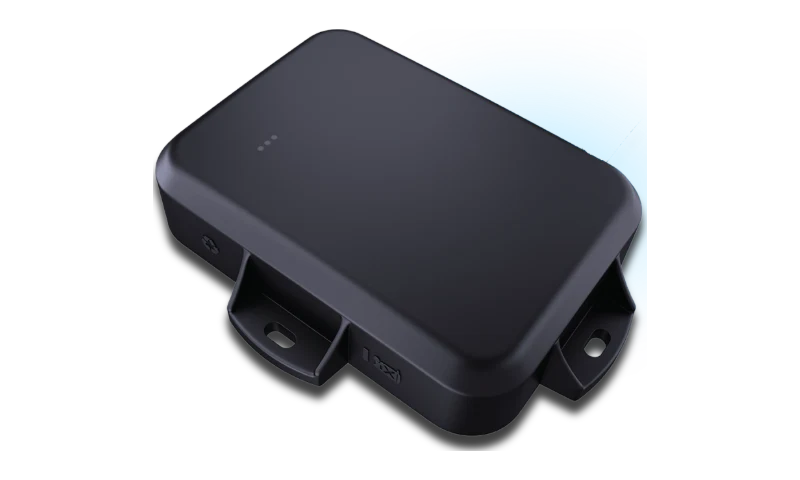
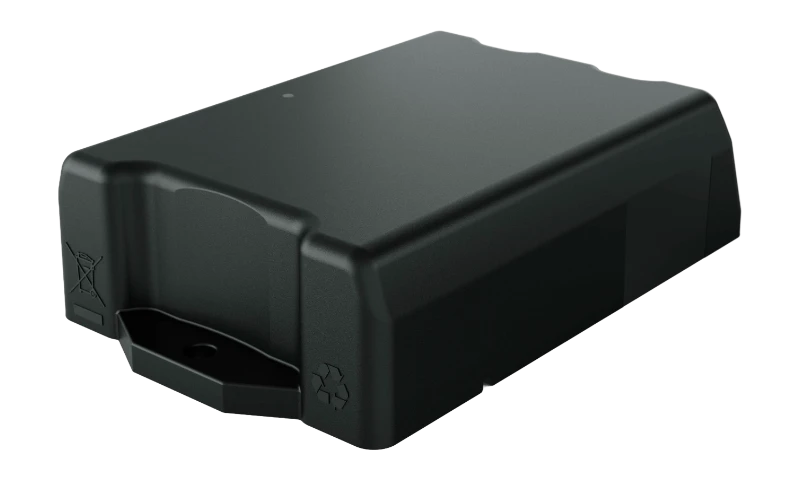
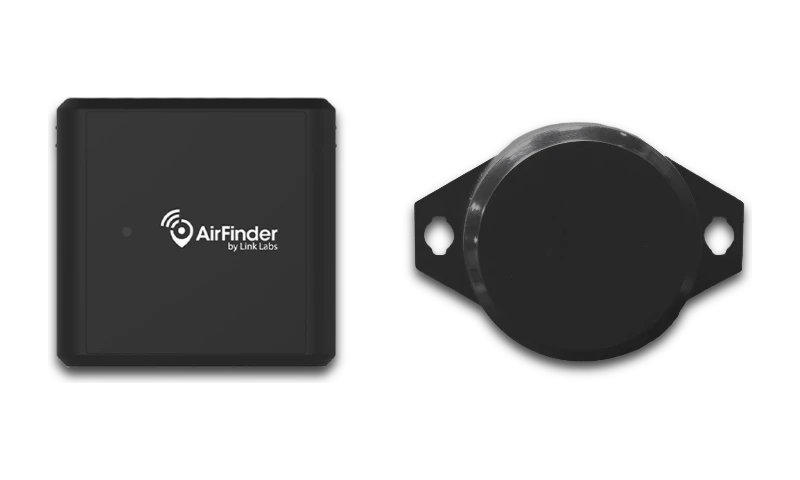
GO devices for trucks, GO Rugged for iron, GO Anywhere for trailers, one login for all of it.

Mixed-fleet view

Pickups, dumps, iron, and trailers side by side on one live map in MyGeotab.

Geofenced job sites


Draw a zone around any site and get alerts when equipment arrives, leaves, or moves after hours.

Engine hours, automatically

True hours off each machine, logged without clipboards.

Left-behind tool alerts

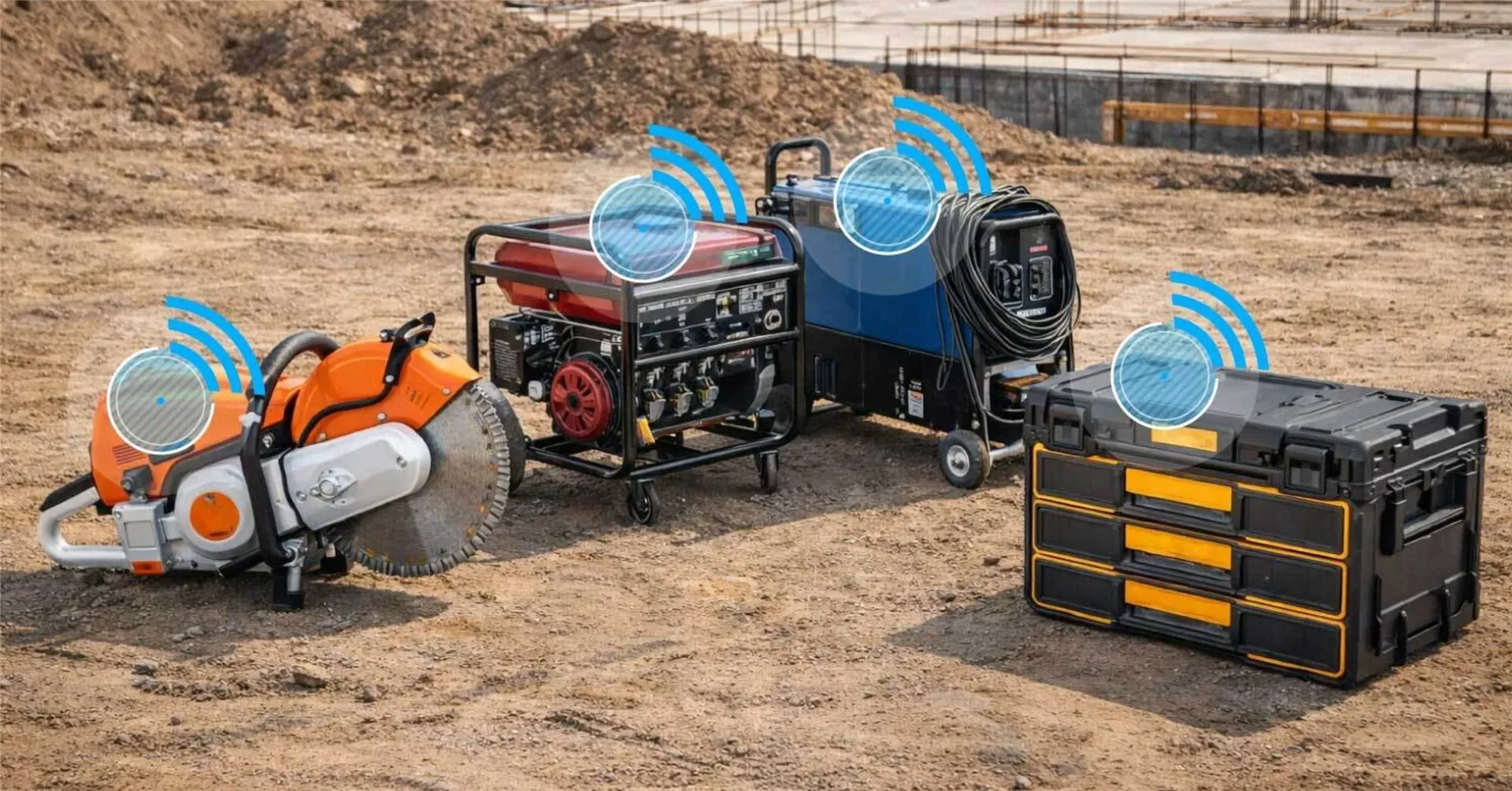
A Bluetooth-tagged tool left on site pings before the crew pulls out, so it does not vanish between jobs.

What Changes

What your operation gets out of it

Less rental spend

Utilization data shows what you own before you rent another one.

See it in MyGeotab
Real MyGeotab widget: asset utilization
Less downtime

Machines come off the job for planned service, not a surprise breakdown that leaves a full crew waiting.

See it in MyGeotab
Real MyGeotab widget: maintenance reminders
Honest job costing

Real hours and locations back up every invoice.

See it in MyGeotab
Real MyGeotab widget: trip history

Our Advice

What we typically install for a construction fleet

The standard build for a mixed construction fleet. Tell us what you own and we will tell you what goes on it.

Pickups, dumps, and crew trucks

A GO9 or Next-Gen GO plugs into the diagnostic port in minutes: location, behavior, faults, odometer. No installer, no appointment.

Yellow iron

GO Rugged, mounted externally, IP68/IP69K, reading true hours straight off the machine.

Trailers and attachments

GO Anywhere battery trackers on anything without an engine, three to five years per charge.

Small tools that ride in trucks

Bluetooth tags via the GO device. The truck scans its own inventory at ignition.

The Real Problems

The three calls every equipment manager hates

01
"The machine is gone."

After-hours movement fires an alert the moment it rolls, and GO Anywhere trackers cover what gets towed.

02
"Fuel spend is up and I can't say why."

Idle time by machine and site shows where fuel burns standing still, so you set idling rules where they pay off first.

03
"It broke down mid-pour."

Reactive repairs cost 2 to 5 times more than preventive (McKinsey, via Geotab, 2025). Engine hours drive service; faults surface before it quits.

Built for the job site

What we set up for construction fleets

Hardware gets the data flowing. This is the configuration work that turns it into fewer surprises, on the site and in the office.

Job-site geofences

A zone around every active site, so time-on-site totals per machine build themselves for job costing.

Alert rules that fit your day

The exceptions that matter to you, routed to the right person the moment they happen.

Scheduled reports

The numbers your morning meeting needs, in your inbox, on your schedule.

Digital inspections

Drivers log pre-trip DVIRs in the app; defects route to your maintenance queue automatically.

Groups by division

Each manager sees their sites and crews; leadership sees the whole operation.

Configured and supported here

We build the zones, rules, and reports before anything ships, and support them after, U.S.-based.

Configured, not generic

Rules tuned to your operation

Need a threshold moved or a new alert added next season? You call your team here and it happens, not a ticket into a vendor queue.

Live From The Fleet

Utilization you can defend at the morning meeting

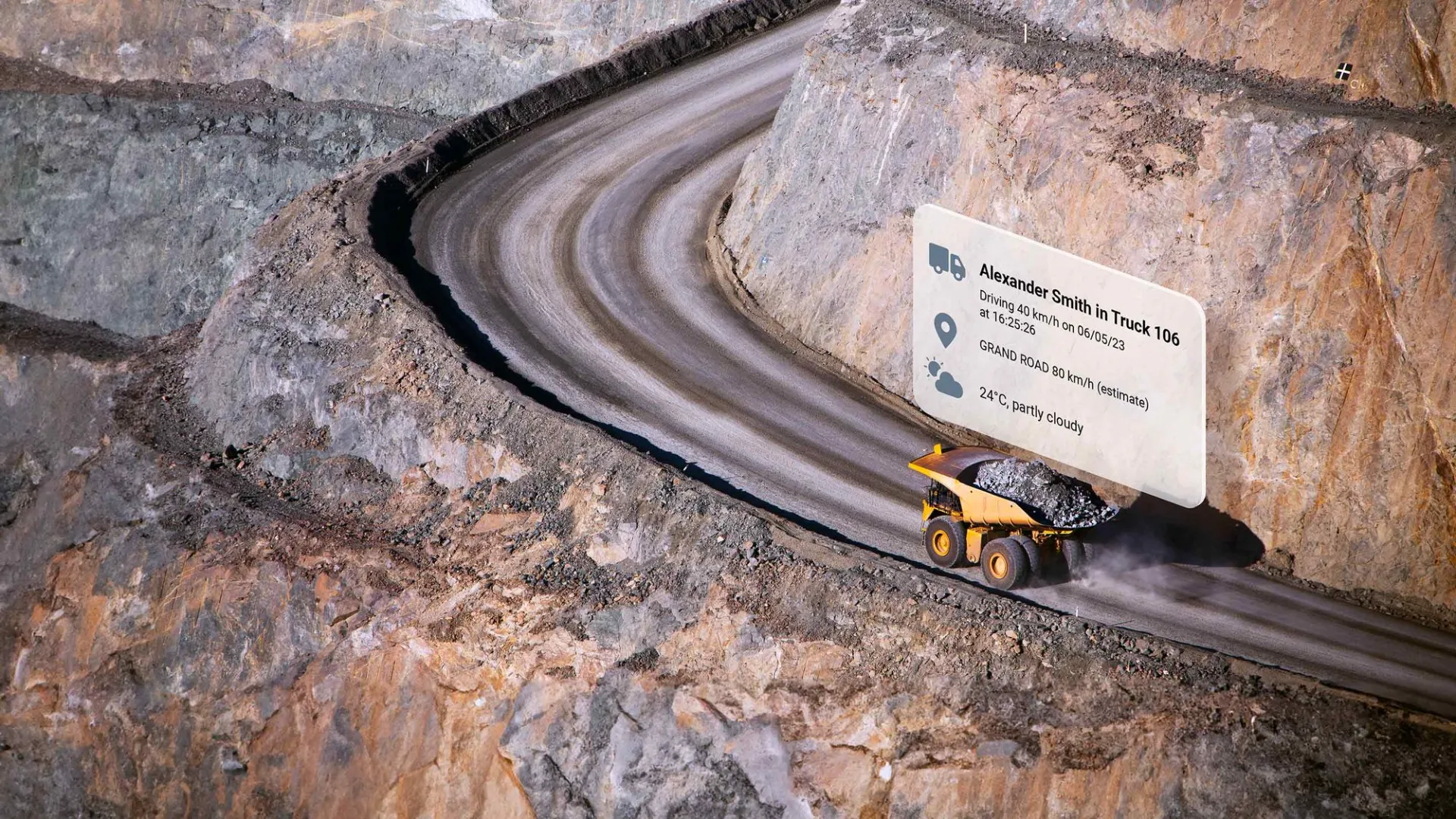
Every truck reports hours and progress on its own. This is what the dump fleet looks like in MyGeotab.

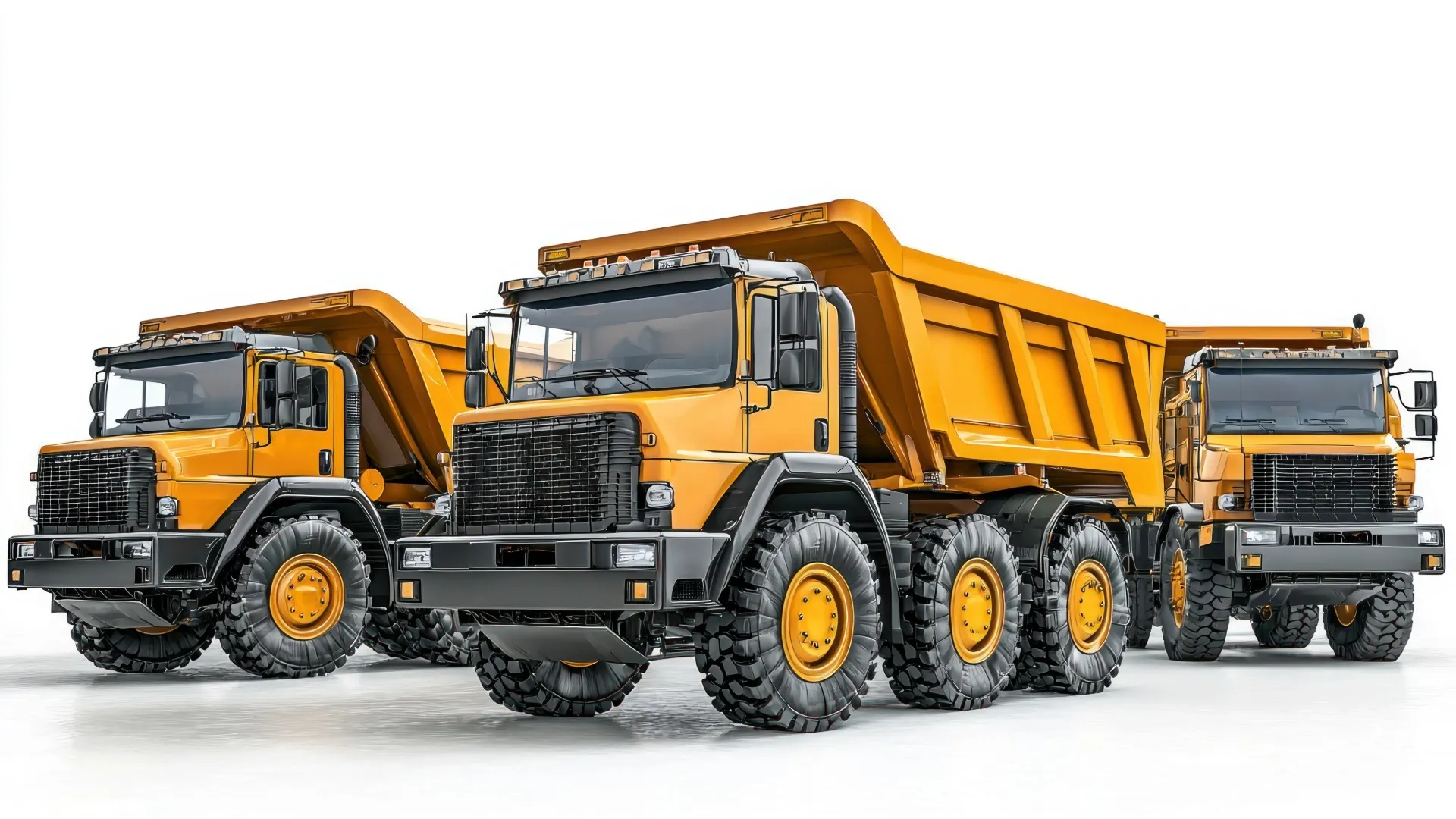
Three articulated dump trucks reporting utilization, inspections, and trip progress

Questions

Construction fleet FAQ

Which devices fit a construction fleet?

GO9 or Next-Gen GO for trucks and pickups, GO Rugged for heavy equipment and yellow iron, and GO Anywhere trackers for trailers and attachments, all in one platform.

Can I track equipment without power?

Yes. GO Anywhere battery trackers run for years on a sealed battery, so trailers, generators, and tools stay visible between jobs.

Does it help with job costing and utilization?

Engine hours, location, and idle time show how each asset is used, so you can right-size the fleet instead of renting another machine.

A machine got stolen. What actually happens?

The after-hours movement rule fires an alert to whoever you name. You flip the tracker into High Frequency mode for tight location updates, share the live position with police, and in most cases recovery beats the insurance claim by a wide margin. We help you set those rules up on day one, not after the first theft.

Can I bill equipment hours to a specific job?

Yes. Draw a zone around each site and MyGeotab attributes engine hours and time-in-zone per machine per job. Invoices get backed by data instead of an operator's memory of last Tuesday.

Do the small-tool tags need their own data plan?

No. The Bluetooth tags talk to the GO device in the truck, which does the reporting. You pay for tags, not for another line of cellular service per drill.

“We wanted an ELD solution that was painless to implement and easy to use. Your HOS Drive App is so intuitive, it literally manages itself.”
Cobalt Civil, Winchester, IN

Put your whole operation on one map

Trucks, iron, and trailers in one free demo. We will configure it around your job sites.

You reach a U.S.-based fleet specialist here, not a call center or a ticket queue.

We reply within one business day. No obligation, no spam. Prefer to talk? (877) 771-2236