Geotab Bluetooth Tags for Tool Tracking Small Tool Tracking: Find It Before You Buy Another

Tags, Not Cellular Plans

  • Read by Trackers and Cameras You Already Run
  • Inventory Read at Every Ignition
  • Left-Behind Alerts as the Truck Leaves the Jobsite
  • Hubble Network Reads Tags With No Truck Nearby
Get a free Geotab demo device for your fleet
Vehicle count *

No obligation. Prefer to talk? Call (877) 771-2236.

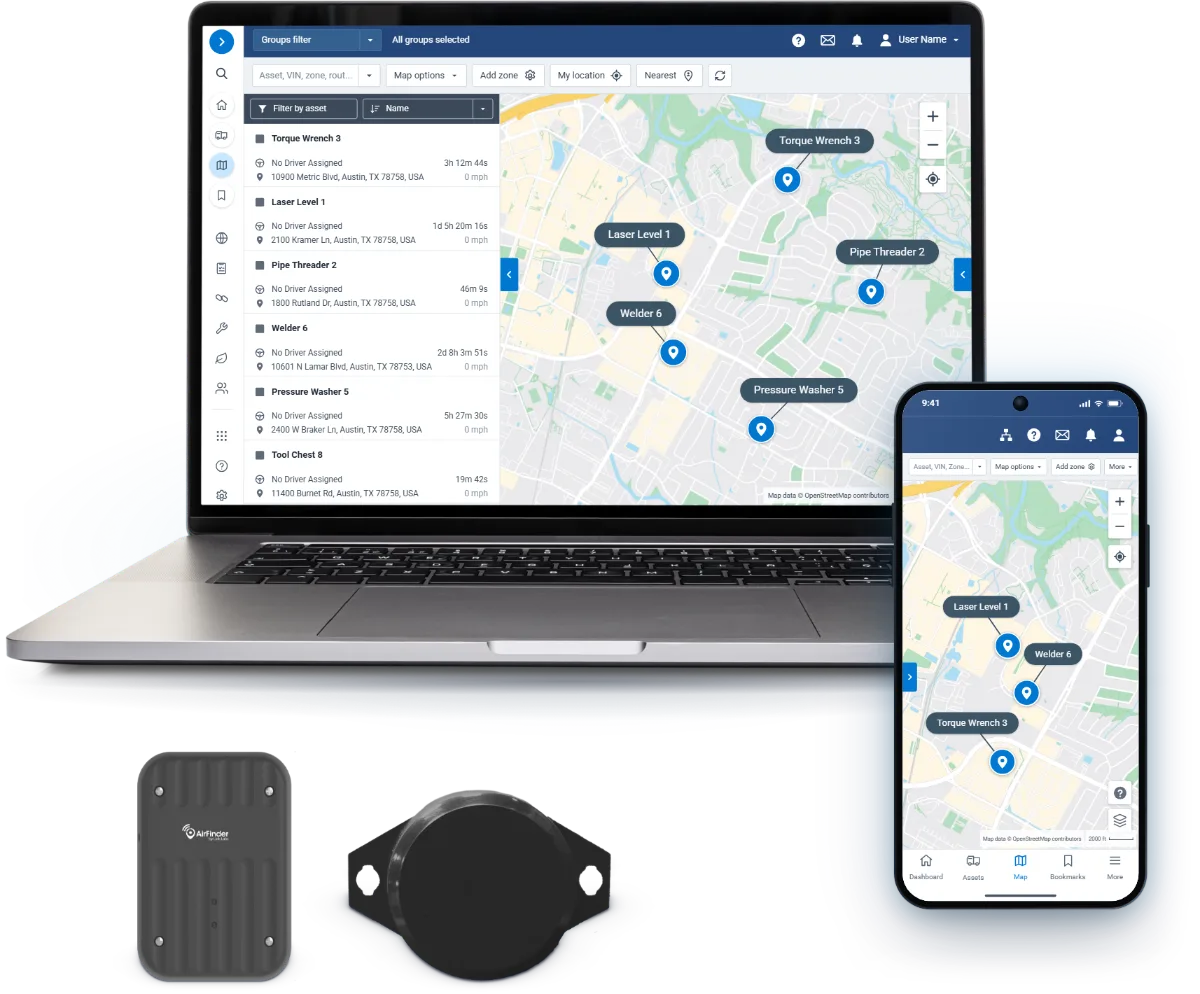
Geotab small tool tracking tags in front of the MyGeotab Asset Map on a laptop
Waste Pro
BBC Electric
Cinterra
Pepsi
The Waldinger Corporation
Team Industrial Services
QuikTrip
Arvig
Ultimate Internet Access
Domino's
Adena Corporation
International Line Builders
PowerGrid Services
Town of Yarmouth
Orkin

How It Works

Bluetooth Tool Tags Read by Your Trackers

Bluetooth beacons go on tools too small for a tracker, and the trackers in the cab read them.

Small BLE beacons

Bluetooth tags small enough for a drill, a case, or a cord reel.

Mounts to any tool

Adhesive backs for cases, zip-tie tags for handles, hoses, and cords.

See how tags install
Bluetooth only

A short-range Bluetooth radio, nothing to power up or activate.

Two Bluetooth tool tracking tags for fleets on Geotab: a square black tag and a round tag with mounting ears
Bluetooth tool tagsSmall-tool tracking
Read by hardware you run

Read by the Geotab devices already in your fleet.

Last seen, not last guessed

Whichever truck reads it stamps a time and place on your map.

Tags picked for the gear

Tag size, mount, and battery matched to each tool class.

0Cell plans per tag
BLEBluetooth beacons
4Ways to read a tag
0Readers to mount

Beacons from proven Geotab Marketplace partners. Everything reports into the same MyGeotab.

“This has provided new insight into asset utilization, fleet waste, and has dramatically improved employee safety. Truly unbelievable.”
Waldinger Corporation, Des Moines, IA

Zone Rules

Geofence Alerts When a Tool Leaves

Pair a tag with a geofence and the exit fires an alert with the tool's name and last-seen location.

  • Left-behind alerts as the truck leaves

    Separation and left-behind alerts flag a tool still on the jobsite as the truck pulls away.

  • Read by the trackers and cameras you run

    The Geotab trackers and GO Focus Plus and Pro cameras already in your fleet read the tags, with no reader to mount.

  • Tools and trucks in one MyGeotab

    Tool zones and alerts sit in the same MyGeotab as your fleet, each tool with its last-seen time and place.

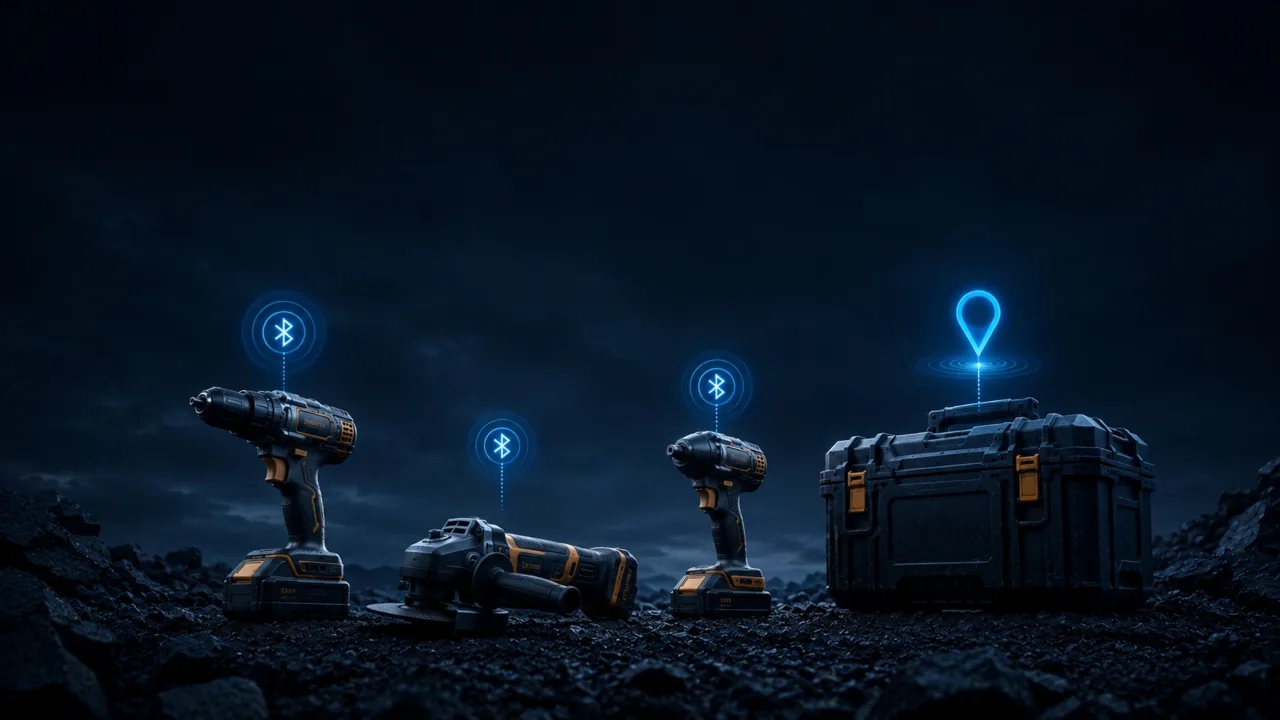
Drill, grinder and impact driver on a dark job site, each with a Geotab Bluetooth tool tag signal, beside a pinned toolbox
Highway billboard reading Every Asset. Every Job Site. with the MyGeotab asset map and two Geotab GO Anywhere trackers

Tag it or track it

What Gets a Tag, What Gets a Tracker

Small tools get a Bluetooth tag, and anything bigger or farther out gets a Geotab tracker.

  • Bluetooth tags for small tools

    Drills, saws, portable generators, job boxes, test equipment, ladders, and cases.

  • GO Anywhere for trailers and containers

    Unpowered equipment that lives outdoors belongs on a GO Anywhere.

  • GO Anywhere Plus for remote units

    Powered, high-value, or remote units belong on a GO Anywhere Plus.

What it does

Every Tool Accounted For, Automatically

Tag the gear once, and the trackers already in your fleet do the tracking for you.

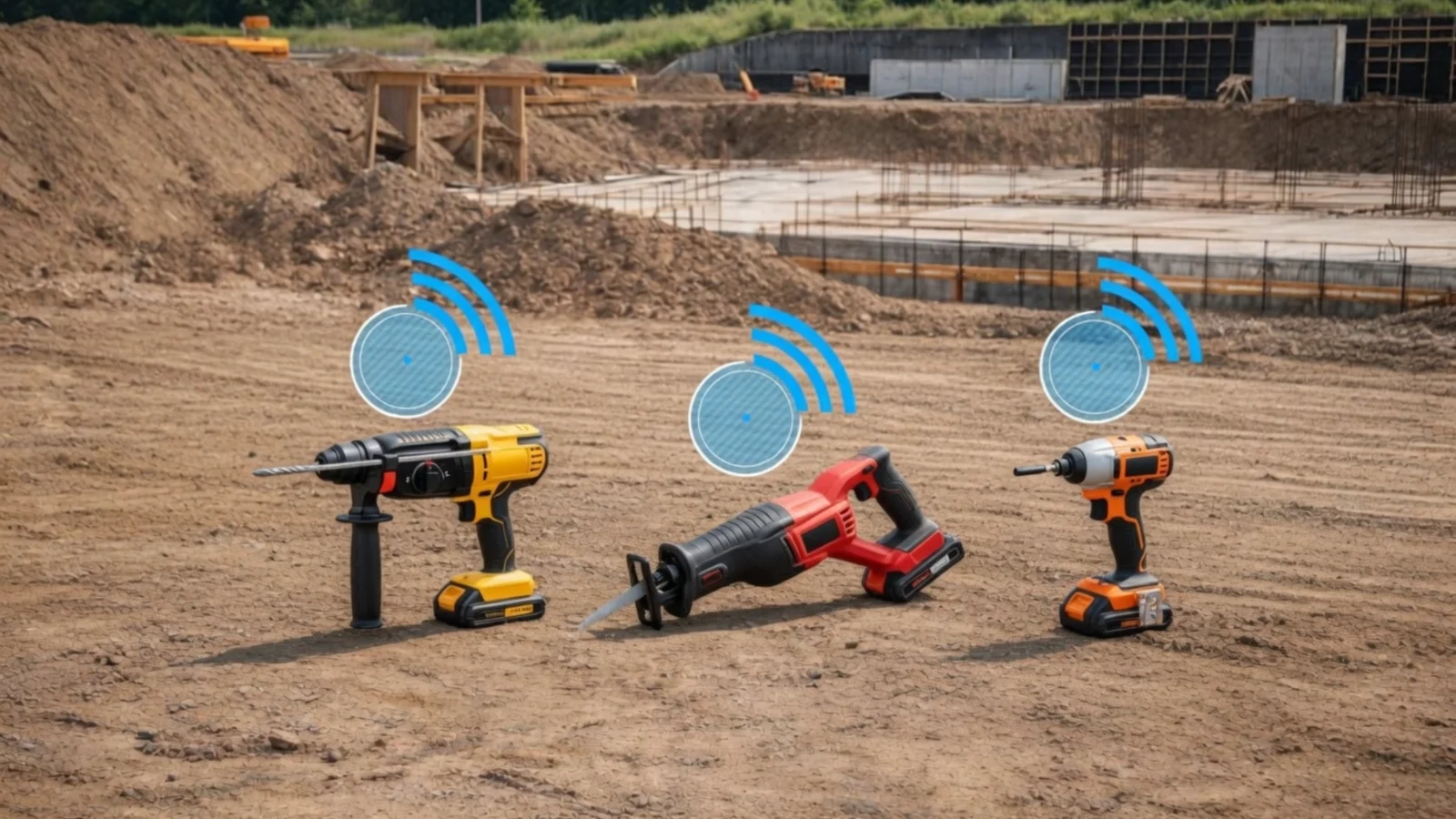
Hammer drill, reciprocating saw and impact driver on a job site, each marked with a signal icon for Geotab small tool tracking
  • Priced to tag every tool you own

    No cell plan per tag, so every drill, case, and cord reel gets a tag.

  • Forgotten tools caught in time

    Separation and left-behind alerts flag the tool still at the site before the truck is twenty miles away.

  • Tool locations kept current all day

    Tags check in as crews and trucks move, so one glance settles who has what.

On Your Map

Last-Seen Time and Place for Each Tool

Every tagged tool reports a time and a place as readers pass, so the answer is a lookup, not a memory.

Four readers put a tag on your map:

  • Geotab trackers already in your fleet
  • GO Focus Plus and Pro cameras
  • Hub tags
  • The Hubble Network, with no truck nearby

Talk through your operation with us.

Small tools ride along

Your Fleet Becomes the Tracking Network

You do not put a cellular tracker on every drill. The fleet you already run does the reading.

A denser net, at no extra cost

The more trackers you run, the more places a tag can be read, with no add-on reader.

The count no one has to run

The truck reads the tags aboard at ignition, so no one signs out gear by hand.

Found by the next truck

Every reader picks up every tag, so a tool riding off on another crew's truck still surfaces.

Tool Records

Every Tool With Its Own Record

Open any tagged tool to see where and when it was last seen.

  • Where and when it was last seen

    Each tool's record holds its last-seen time and place, stamped by whichever reader passed.

  • The truck that has it, named

    A tool riding off on another crew's truck still surfaces, because every reader picks up every tag.

  • Who has what, settled at a glance

    Tags check in as crews and trucks move, so the record stays current all day.

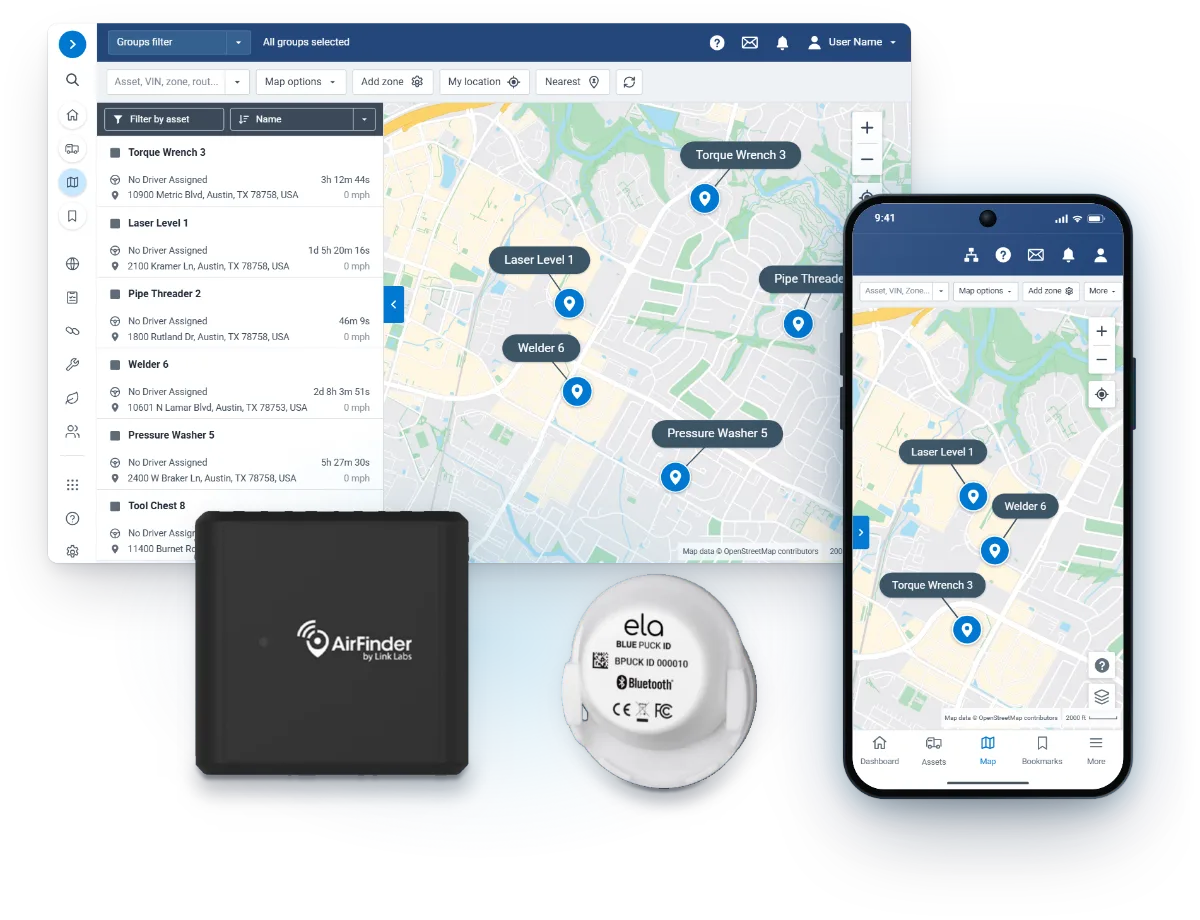
AirFinder and ELA tags in front of the MyGeotab Asset Map and a phone listing tools and their locations

Questions

Small Tool Tracking FAQ

How does it locate a tool?

Each tool's Bluetooth beacon is read by your fleet's trackers, so it shows on your map with a last-seen location.

Do the tags need their own data plan?

No. The tags report through the trackers and cameras already in your fleet, so you pay for tags, not cell lines.

Which of my devices can read the tags?

Your fleet's trackers and cameras, from the GO10 to GO Focus Plus and Pro, plus hub tags and the Hubble Network.

Are the tags Geotab hardware?

They are proven third-party Bluetooth tags from the Geotab Marketplace, and we scope the right one for your gear.

Tools Found Before They Are Reordered

Tag a crew's tools for a free demo and watch the truck list them at first ignition.

Prefer to talk? Call (877) 771-2236.