When every stop has proof of service
HVAC, plumbing, electrical, or delivery: Geotab tightens dispatch and keeps ETAs honest.

The Service Day


The whole day, visible: who is where, who is free next, and how long every job took.
What Changes
Our Advice
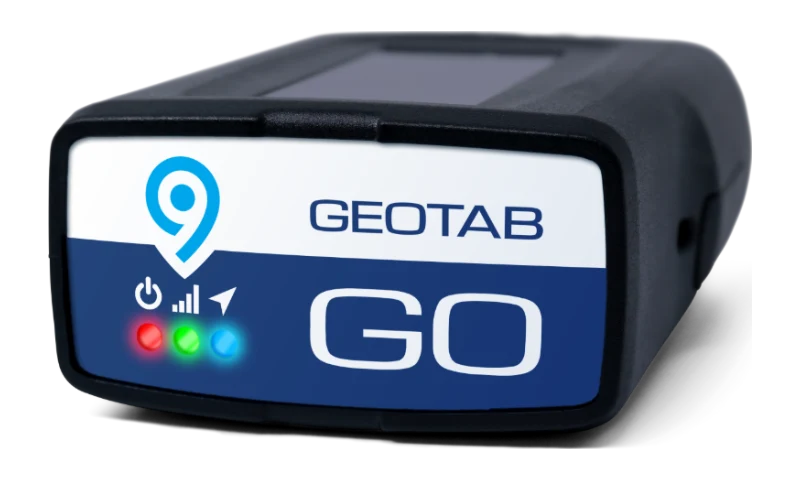
GO9 or Next-Gen GO plugs into the OBD-II port in minutes. Your driver seats it, waits for the confirmation beeps, and pulls out of the yard. No installer, no appointment. Live position, time on site, and fault codes start the same day.
Routing & Optimization syncs to Geotab Drive. We run your actual routes first, so you see your number, not the brochure's.
The tagged tools check themselves in. A crimper or meter left on the last job flags before the driver reaches the next stop, so a forgotten tool never becomes a return trip.
The Real Problems
Every extra mile costs fuel and hourly rate. Plan-versus-actual shows whether the day ran as drawn.
"Your guy was only here twenty minutes." One look at the visit record ends it.
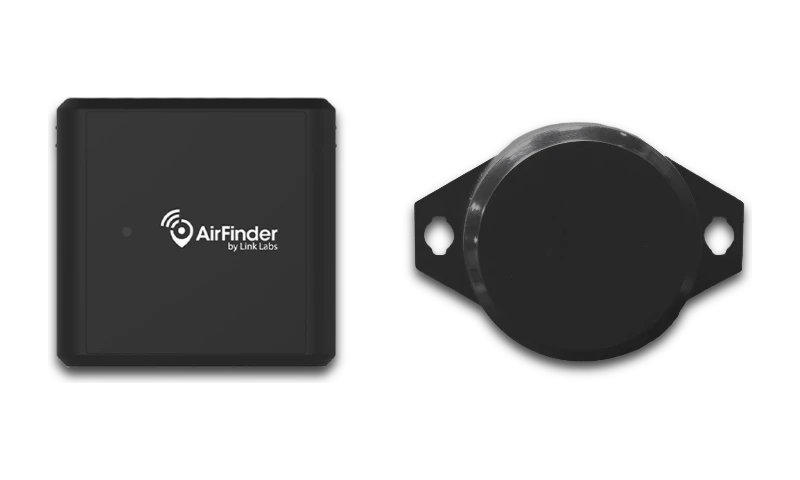
Tag the expensive ones and the van notices before you do, with separation alerts. No per-tag contract.
Built for the route
More jobs finished with fewer disputes starts with dispatch working from facts, not guesses. Here is how we set up the platform for a service fleet.
GO9 or Next-Gen GO for live position, engine fault codes, and time on site logged automatically.
A zone around each recurring site, so arrivals and departures record without the tech lifting a finger.
On-site minutes surface the same day, so dispatch can rebalance the afternoon and coach a long stop early.
Scheduled exports ready for the contract audit, built before you need them.
Engine fault codes and service reminders flag a van before it strands a tech mid-route.
Bluetooth tags read by the van's GO device: an ignition inventory scan and left-behind alerts, no per-tag contract.
Configured, not generic
We set the zones, thresholds, and alerts for how your fleet actually works.
The Day, Documented
No timesheet, no radio check-in. The stop clock starts when the tech arrives and ends when they pull away, ready to drop straight onto the invoice.
Questions
Live location and accurate ETAs let dispatch assign the nearest tech and keep customers informed.
Geofences and trip history confirm arrival, time on site, and departure for accurate records and billing.
The honest threshold from Geotab's own qualification guidance is about five or more stops per driver per day. Under that, the built-in dispatch and live map cover you. Over it, we can run your last month of trips through the routing analysis and show the savings before you commit.
No. Geotab Drive is one app: assigned routes, job messages, vehicle inspections, and hours of service if you ever need ELD. Techs see their day; dispatch sees everything.
Yes. Geofence each contract site and every visit logs arrival, duration, and departure automatically. Monthly proof-of-service reports come out of MyGeotab on a schedule.
Keep exploring
Inside MyGeotab
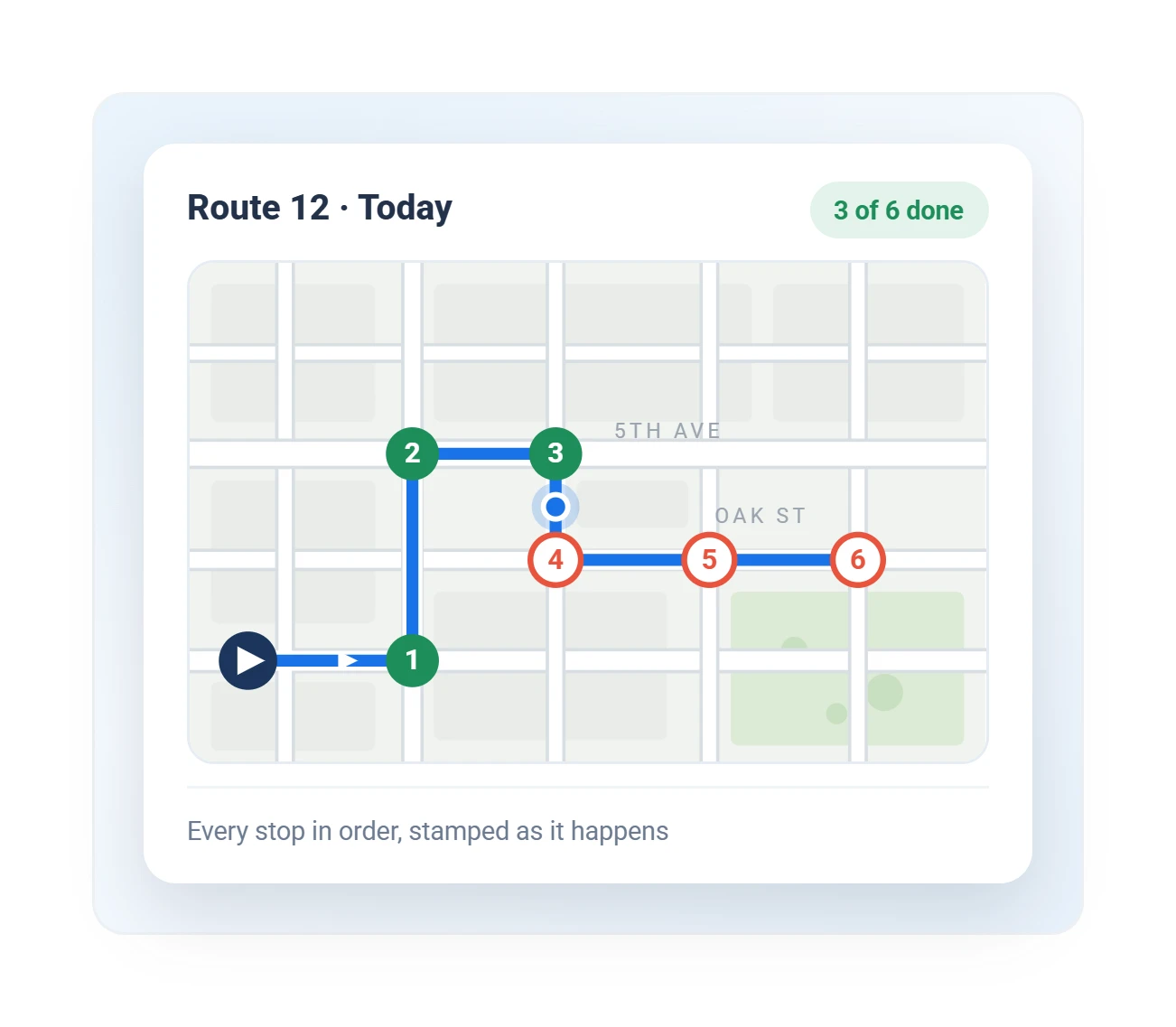
Trip replay shows the route, every stop, and every exception, numbered in order.
Illustrative MyGeotab screen with fictional data
Run a free demo on a few service vehicles and count the recovered time yourself.