When the whole day fits in one app

One app for the driver’s whole day

Hours, inspections, and messages in one place, with clean, audit-ready records flowing to your team in MyGeotab.

  • ELD and HOS workflows in-app
  • DVIR and inspection logging
  • Driver messaging and safety scores
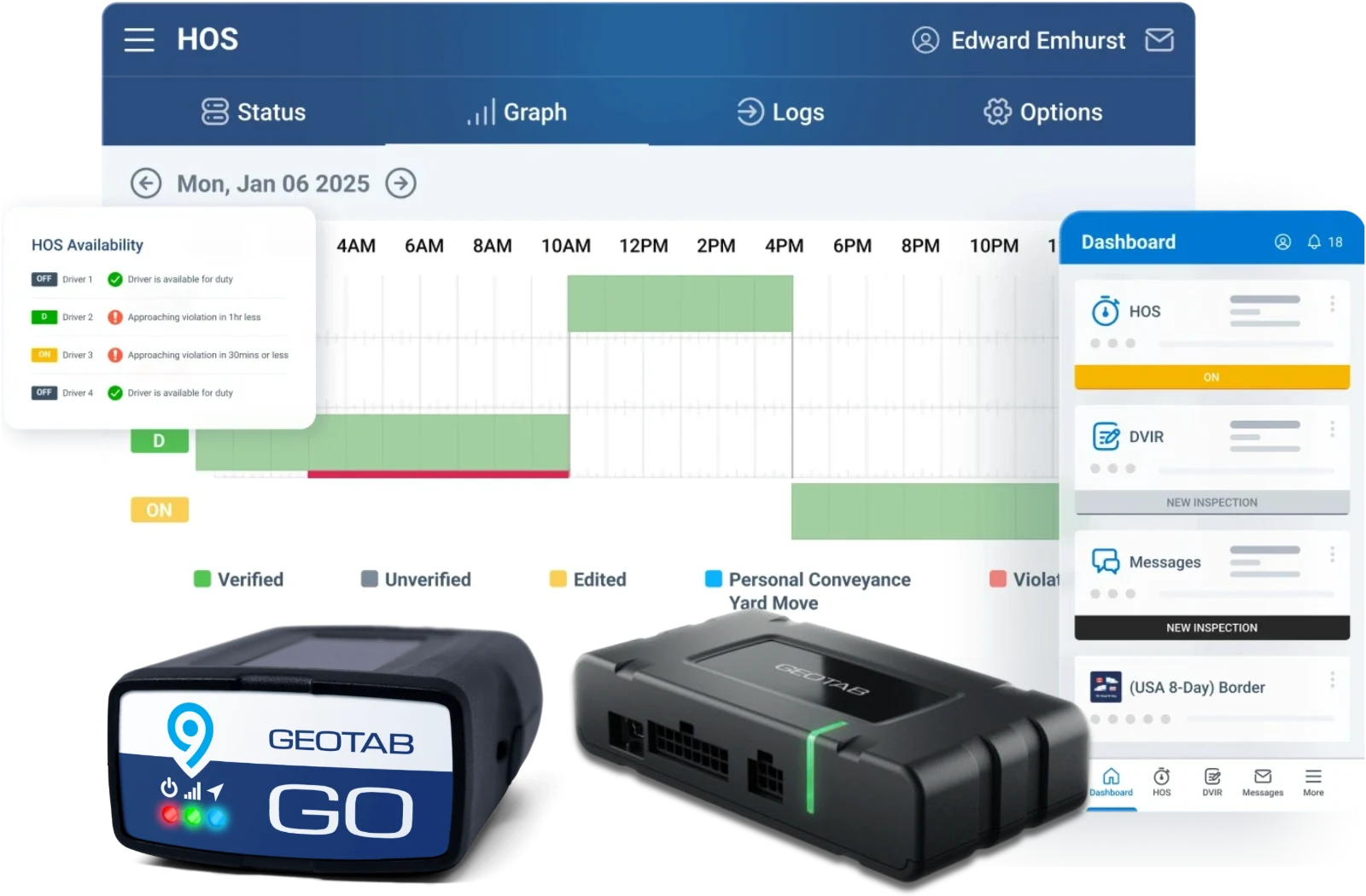
Geotab Drive HOS graph and dashboard screens with GO9 and GO devices

For Drivers and Office

Geotab Drive: ELD, HOS, and DVIR in one app

Logs, inspections, and messages flow straight into MyGeotab as they happen.

Hours of Service

Automatic duty status and clean ELD records without paper logs.

Digital DVIR

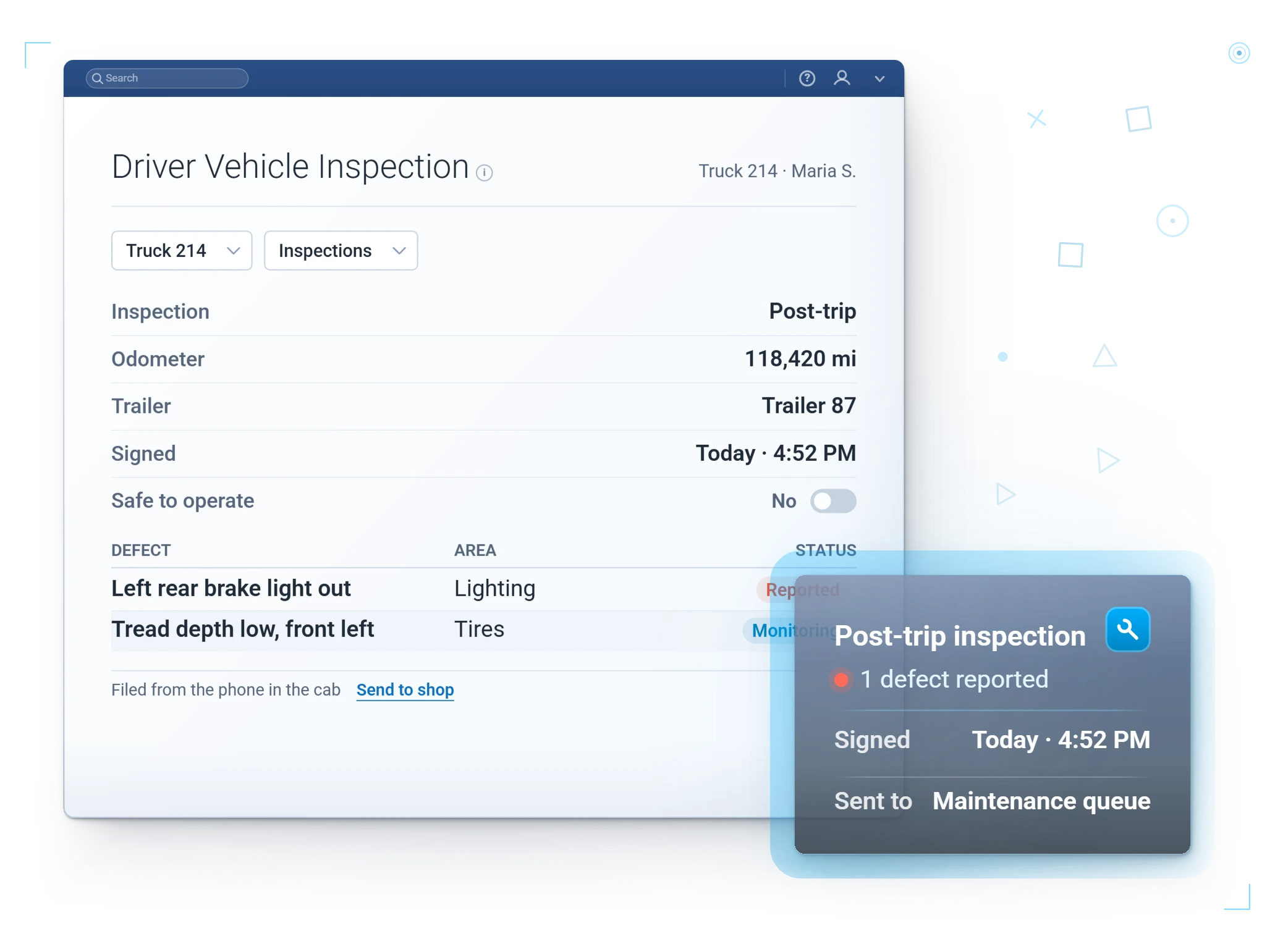
Walkaround inspections with defects flagged straight to maintenance.

Vehicle health check

Odometer, engine hours, and battery voltage for the assigned vehicle, right in the app.

Two-way messaging

Dispatch updates and driver responses in one place.

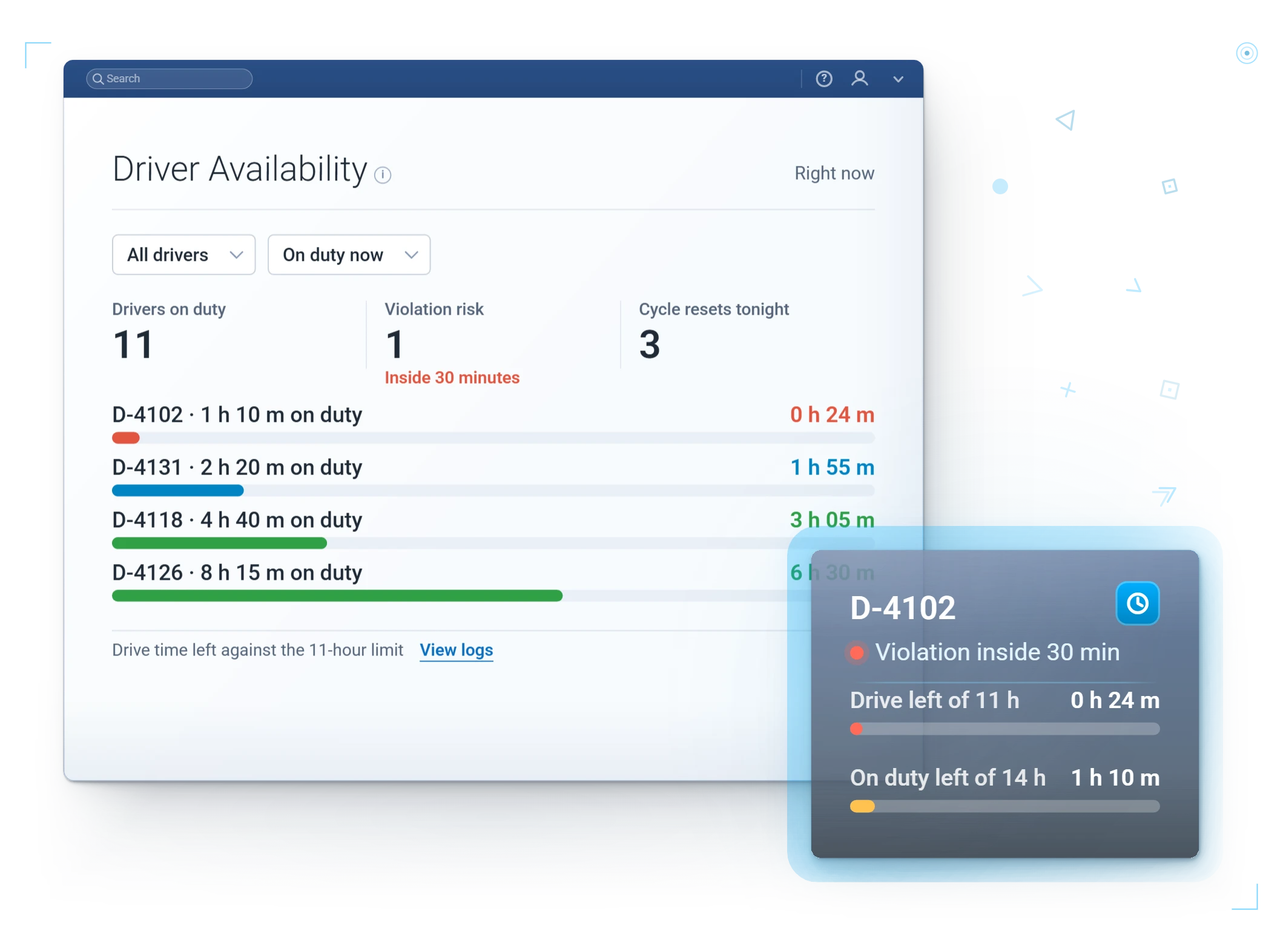
100+ HOS rulesets, US and Canada. Hours of Service is a thicket: federal, intrastate, short-haul, agriculture, and Canadian cycles on top. Geotab Drive handles them all, plus exemptions and team driving. We set each driver's ruleset and carrier details at onboarding, and the app warns before hours run out, not after.

What Changes

What your fleet gets out of it

Audit-ready, always

Records are complete and consistent when DOT asks.

Less back-and-forth

Drivers, dispatch, and office all see the same information.

See it in the Drive app
Real Geotab widget: driver notifications
Drivers actually use it

One app for the day beats a folder of paper and three logins.

See it in the Drive app
Real Geotab widget: driver safety

Built For The Roadside Inspection

The inspection is the exam. The app studied.

When a driver gets waved in, Geotab Drive sends logs to the officer with one click.

An alternative display mode works out of coverage, PIN protection keeps data private, and logs sync when signal returns.

The worst moment to find a compliance gap is with a DOT officer holding the tablet. This workflow makes it boring, including digital DVIRs for student transport.

Small features drivers stop noticing because they always work

  • Walk-away prompt. Leave the vehicle while still assigned, the app asks if you meant to. Unassigned-log cleanup drops to almost nothing.
  • False log fix. Another driver's stray log on your vehicle? Flag and ignore it without calling the office.
  • One-tap replies. Standard responses let a driver acknowledge dispatch without typing at a job site.
  • Messages with cargo. Dispatch can attach routes, zones, and links, not just text.
  • Four languages. English, French, Spanish, and Portuguese, per driver.
  • Reset warnings. The app warns before a driver accidentally interrupts a shift or cycle reset. The expensive mistakes get caught before they are made.

A closer look

What drivers get on their phone

Everything a driver touches in a shift, feeding clean records back to MyGeotab automatically.

The whole shift, guided

Log in, inspect, drive, message, log out. Done.

Warnings before mistakes

A low hours clock or an interrupted reset gets flagged before it costs the driver a shift.

Fully offline option

Pair with IOX-USB for a dedicated in-cab setup that never depends on a phone plan.

Driver ID

Who drove which vehicle, assigned automatically.

Messaging built in

Dispatch messages land in the same app, read and acknowledged without a phone call.

Co-drivers supported

Team drivers log in on the same device, each with their own logs.

In the Drive app

Drivers see their own safety score

A Safety tile sits right on the Drive dashboard: each driver's collision risk, trend, and where to improve.

Geotab Drive dashboard with the Safety tile and the driver safety score screen

In The Cab

A day in the Drive app, start to finish

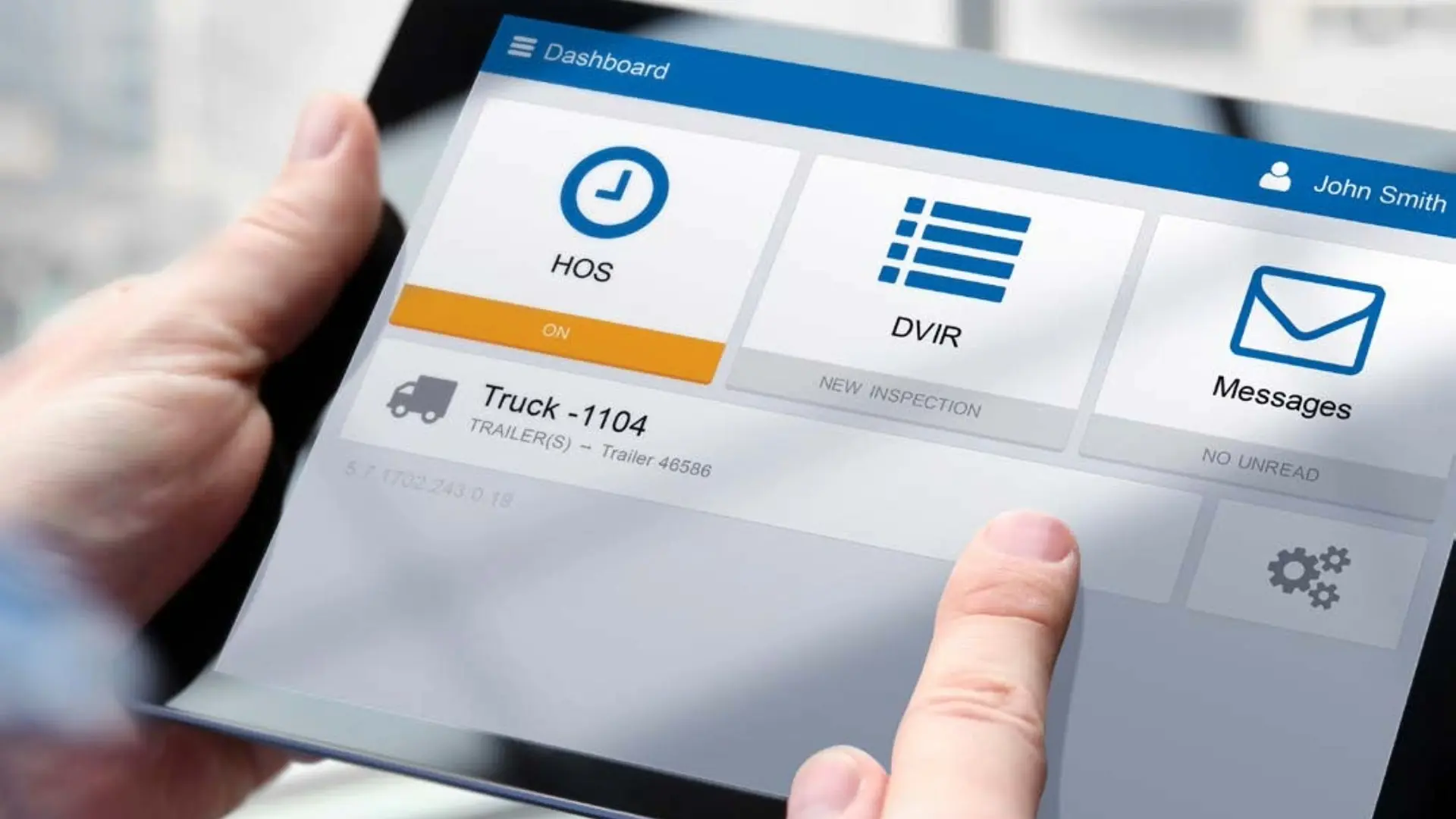
Clock in and the app assigns the vehicle, walks the pre-trip inspection, tracks hours as the driver rolls, surfaces the day's messages, then closes with a post-trip DVIR at logout.

Cargo van with a driver notifications widget pinned above the windshield

Questions

Geotab Drive app FAQ

What does the Geotab Drive app do?

It combines ELD hours of service, DVIR inspections, and driver messaging in one app on a phone or tablet.

Is it ELD compliant?

Yes. Geotab Drive supports FMCSA ELD requirements and keeps audit-ready records in MyGeotab.

Do drivers need special hardware?

A supported phone or tablet paired with the GO device is all that is required.

We run mixed operations: some long-haul, some short-haul, some farm-exempt. Can one app handle that?

Yes. Each driver is assigned their own ruleset, so long-haul, short-haul, and farm-exempt drivers run correctly side by side in the same fleet, co-drivers and team driving included.

What happens when a driver loses cell coverage?

The app keeps working and syncs when coverage returns. For dead-zone-heavy routes, an IOX-USB connection runs the ELD fully offline. Roadside inspections have their own out-of-coverage display mode.

Do Spanish-speaking drivers get the app in Spanish?

Yes. English, French, Spanish, and Portuguese are all supported, set per driver.

“We were in need of a more affordable smartphone-based solution moving from AOBRD to ELD. After considerable testing, Geotab Drive was the clear winner. Your all-in-one driver platform for Hours of Service, Driver Vehicle Inspection Reporting, and Driver ID exceeded our needs in withstanding the many challenges our workers face in the field. Our drivers found it easy-to-use, and the system works across all our different types of trucks. We use it 24/7.”
Success Logistics, USA

Put the day in one app

We will set up the Drive App for a few of your drivers during a free trial and let the records speak for themselves.

We reply within one business day. No obligation, no spam. Prefer to talk? (877) 771-2236