Factory-connected vehicles
Nothing to Install: Geotab Factory-Connected Vehicles
Newer vehicles from 30+ brands with factory telematics built in.
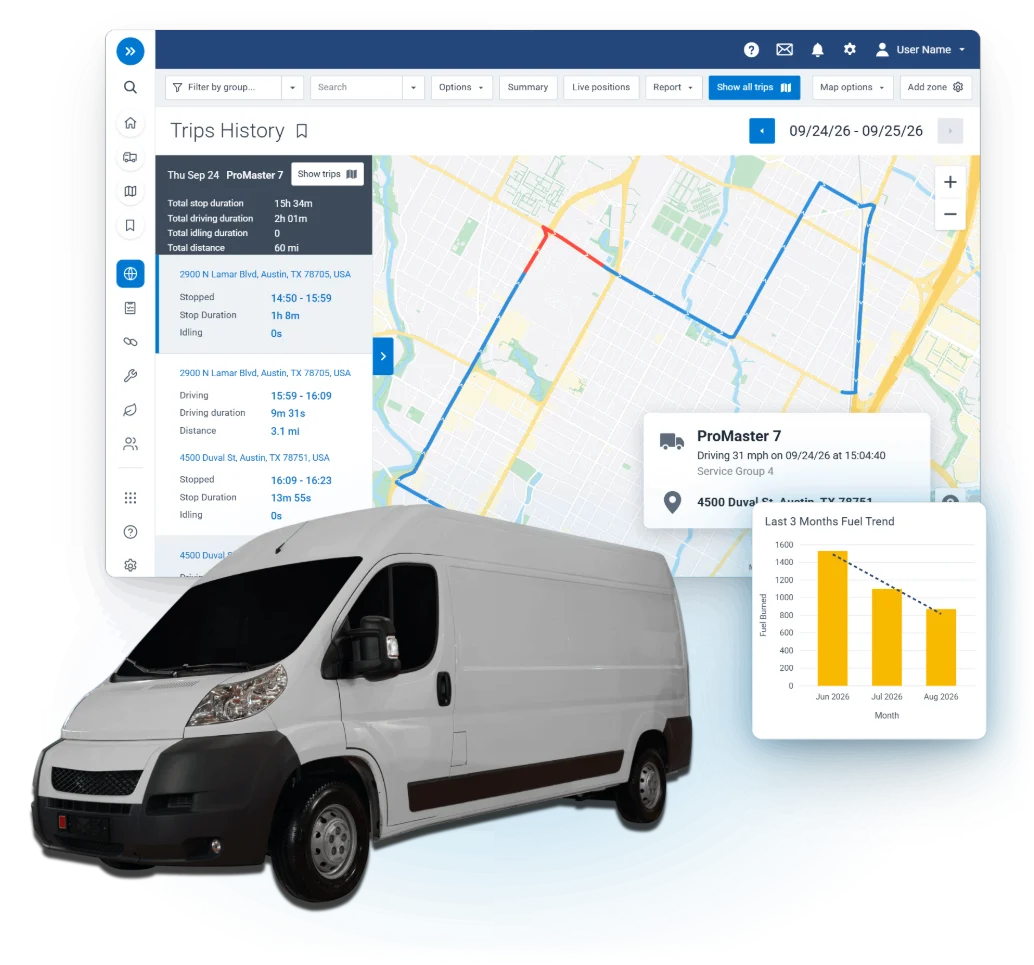
Factory-connected vehicles
Newer vehicles from 30+ brands with factory telematics built in.
Already built in
Nothing. Vehicles arrive already connected.
Newer vehicles from 30+ brands carry factory telematics built in, so there is no device to size or mount.
Vehicles that arrive already connected.
Send us your vehicle list.
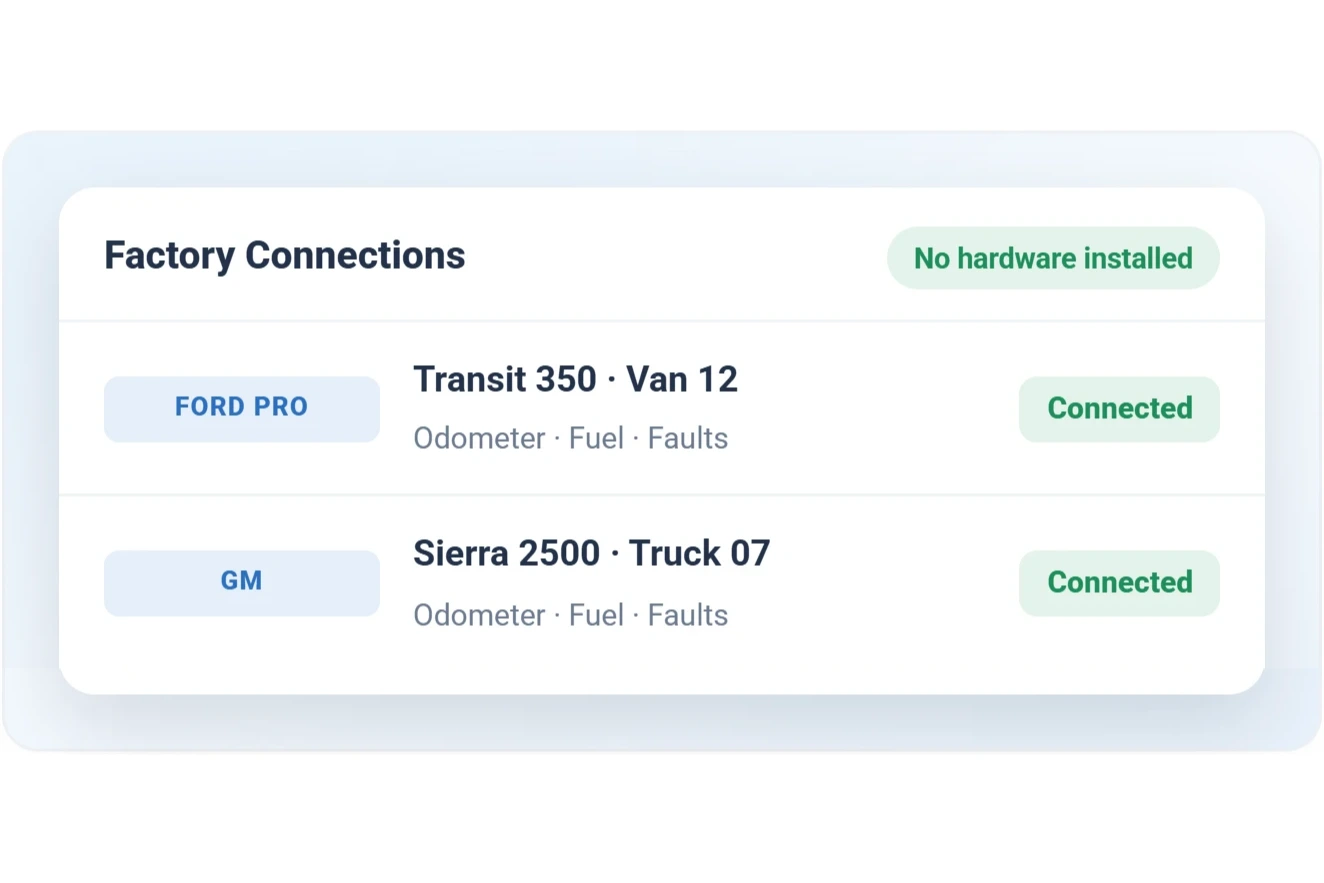
We confirm what each VIN reports and where a GO device adds more.
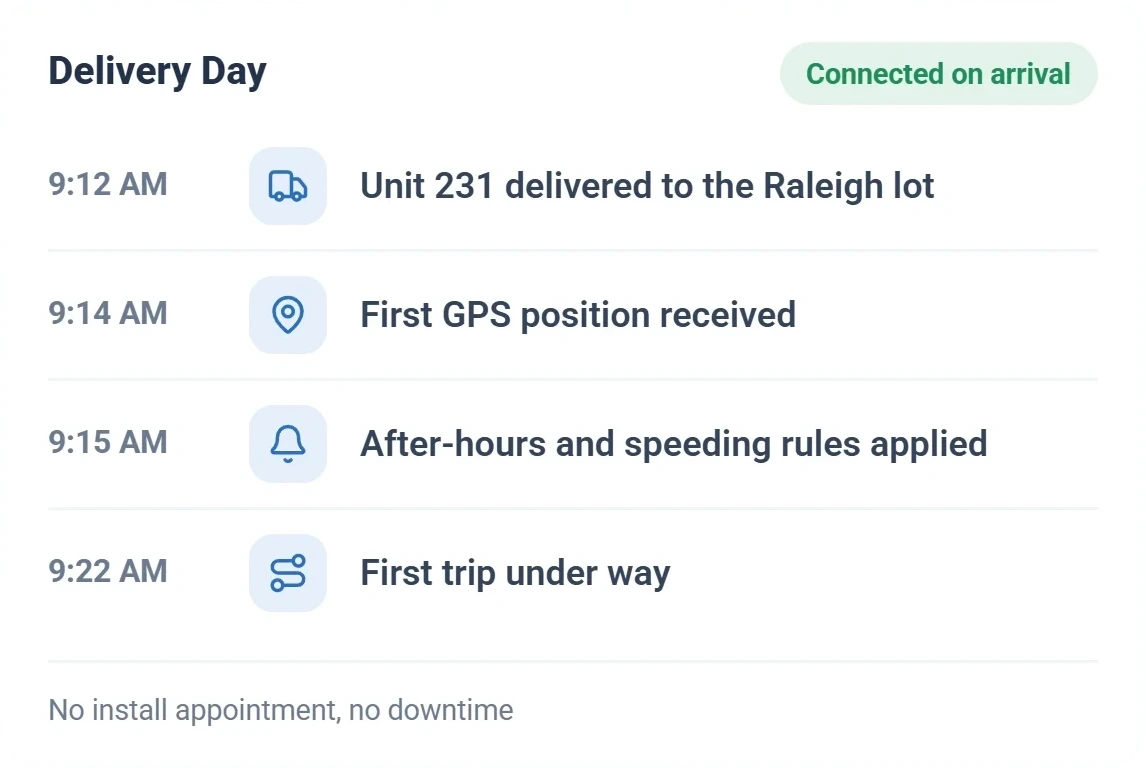
Activation is remote, so new vehicles report from day one.
Older vehicles, or where you want more detail than the factory feed sends.
We flag the vehicles where a GO device adds more.
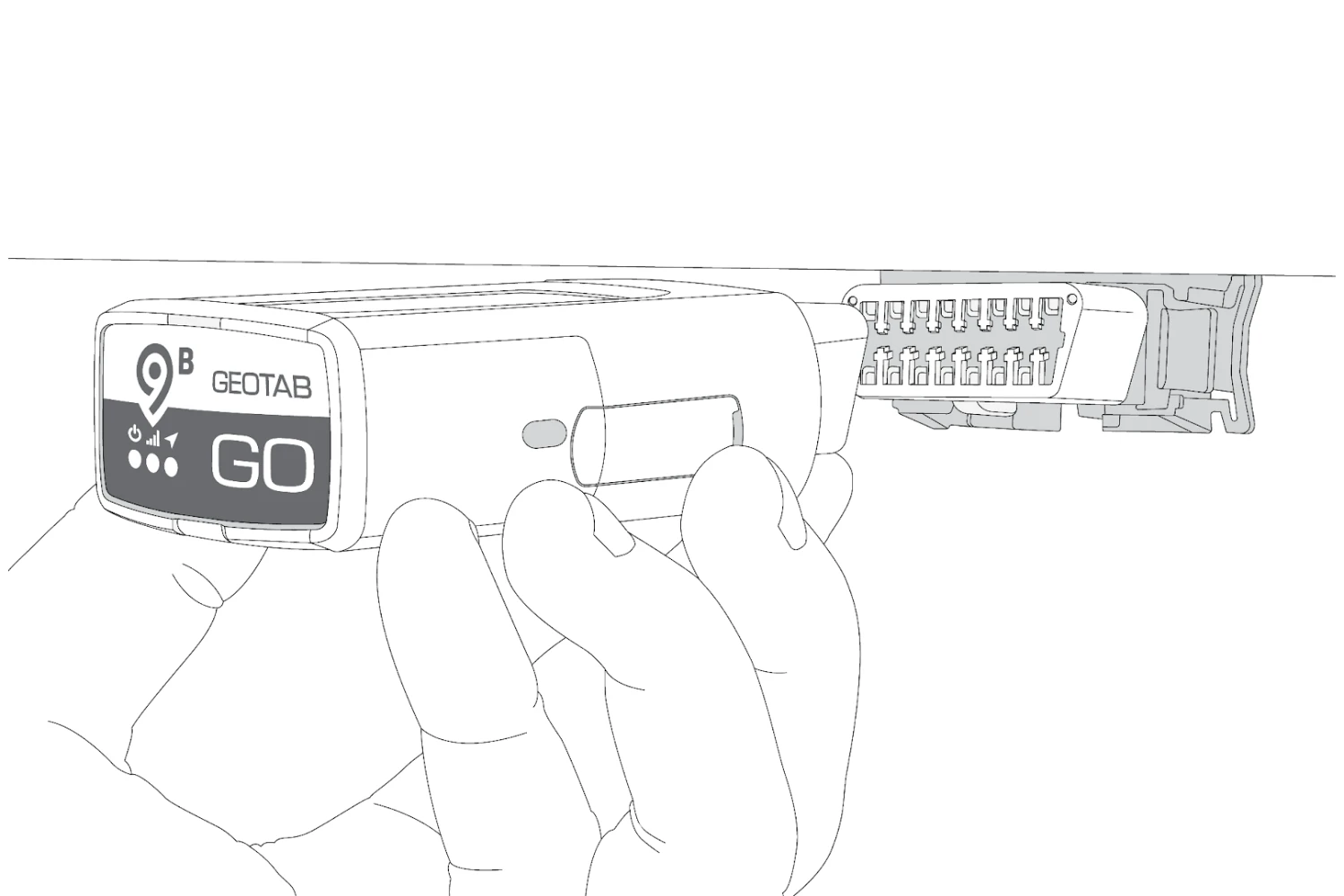
Your crew plugs in a GO9 or GO10 with the easiest route.
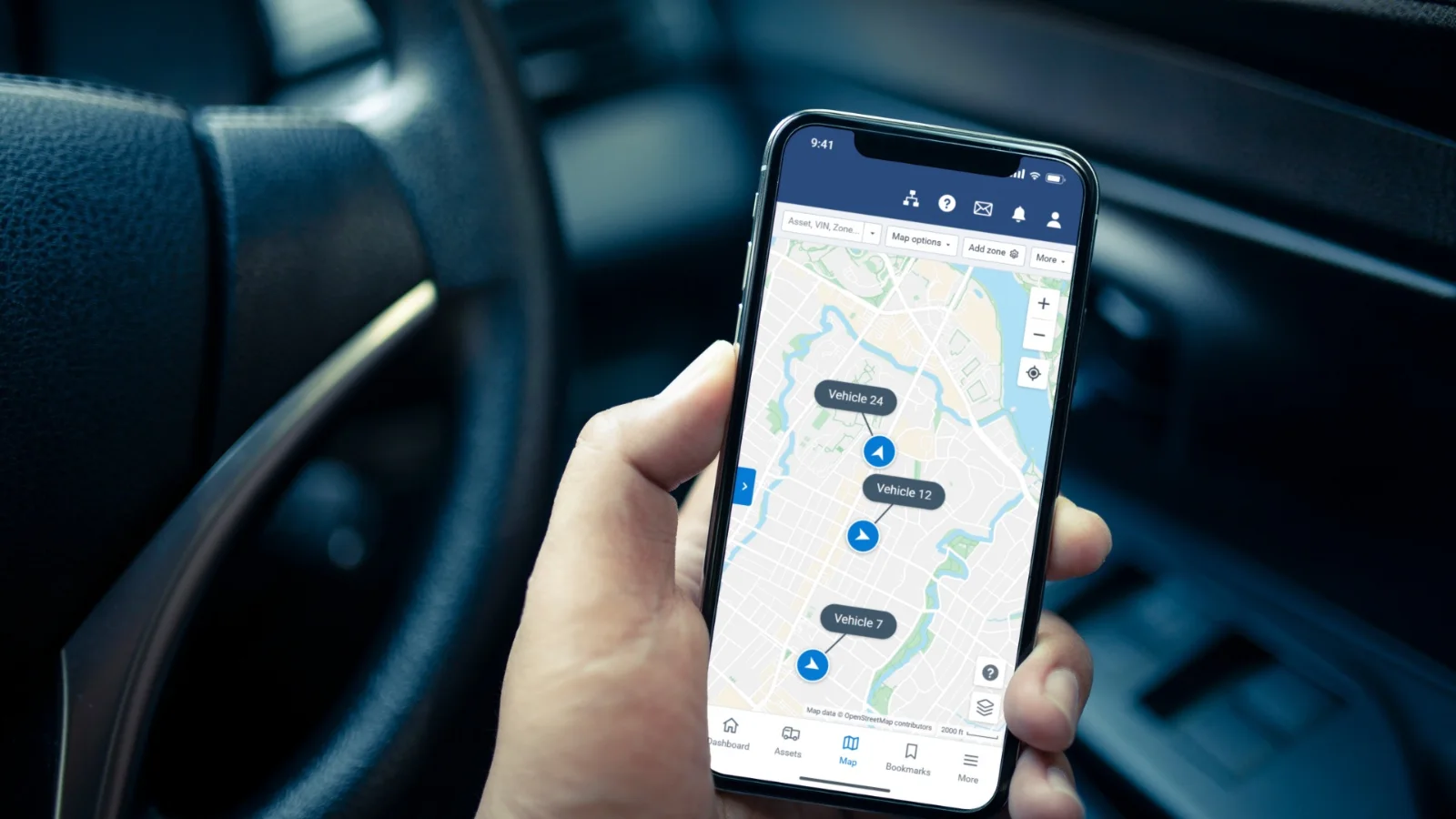
Factory-connected and plug-in vehicles live side by side, with shared rules and reports.
Special Cases
Thin data, spread-out fleets, and big delivery days still come down to a vehicle list and a remote switch-on.
Your crew: Plugs a GO device into each flagged vehicle with the easiest route.
How we help: We flag the vehicles where a GO device adds more, and both kinds share rules and reports.
Your crew: Plugs in a GO9 or GO10 and mounts the camera.
How we help: Cameras and driver ID run through a GO device in the vehicle, and we confirm both with you.
Your crew: Plugs a GO device into any vehicle outside factory coverage.
How we help: Coverage is confirmed VIN by VIN before you commit.
Your crew: Stays put. The vehicles never have to come in.
How we help: Activation is remote, so there is no install and no downtime.
Your crew: Has nothing to plug in.
How we help: We turn new vehicles on in bulk, remotely, and you see them the day they hit the lot.
Your crew: Has nothing to install on factory-connected EVs.
How we help: Many EVs report state of charge and range from the factory, beside your gas and diesel units.
Nothing. Activation is remote, so the vehicle reports with no install appointment and no downtime.
Yes. They turn on in bulk, remotely, without touching a single vehicle, and you see them the day they hit the lot.
Your vehicle list. We confirm what each VIN reports and where a GO device adds more.
Yes. Factory-connected and plug-in vehicles live side by side, with shared rules and reports.
We stay on the line until the device is reporting. New to Geotab: start with a free demo device.