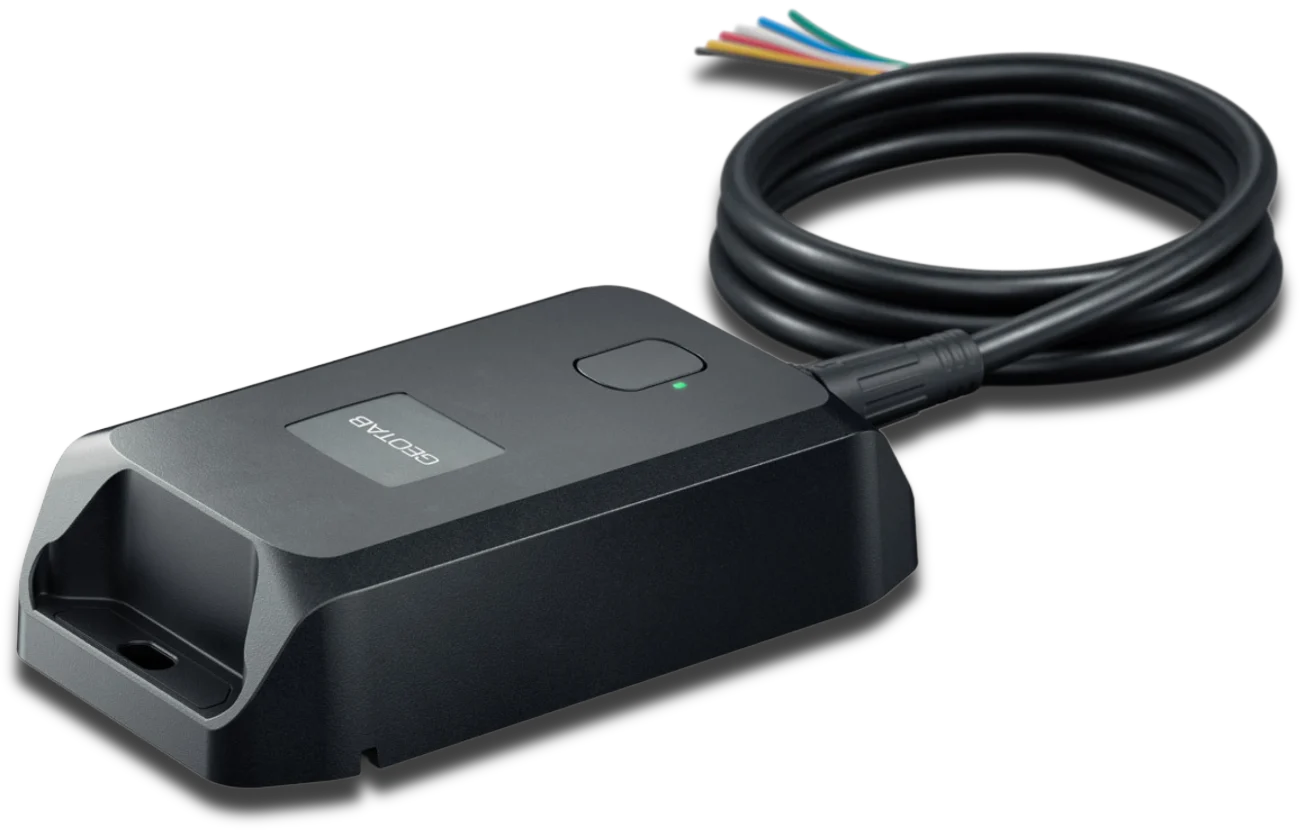
Special Cases
GO Anywhere Installation on Unusual Assets
Aluminum trailers, round tanks, containers, and remote yards are still a job for your own crew.
What if it is an aluminum trailer, a thin body panel, or anything that travels?
Your crew: Screws it to a solid rail or frame member with a clear view of the sky; on aluminum, screws do the job.
How we help: Anything that travels, from dry vans to roll-off bins, gets screws, and we confirm it is reporting.
What if the steel is curved or round and the asset stays parked?
Your crew: Sets it on magnets on the flattest clean face, or screws it to a flat rail or bracket, open sky above.
How we help: The button press is the same either way, and we confirm it is reporting.
What about a shipping container, or an asset that lives under a roof?
Your crew: Mounts it outside and up high, on the container's top rail or upper edge, not inside the box.
How we help: Up top, with a clear view of the sky, it reports wherever the container travels.
What if there is no signal when you press the button?
Your crew: Moves the asset into the open or into coverage and presses the button again.
How we help: It also keeps trying on its own, and a fast flash means it is configured and reporting.
What about a remote yard past the cell map?
Your crew: Installs it the same way.
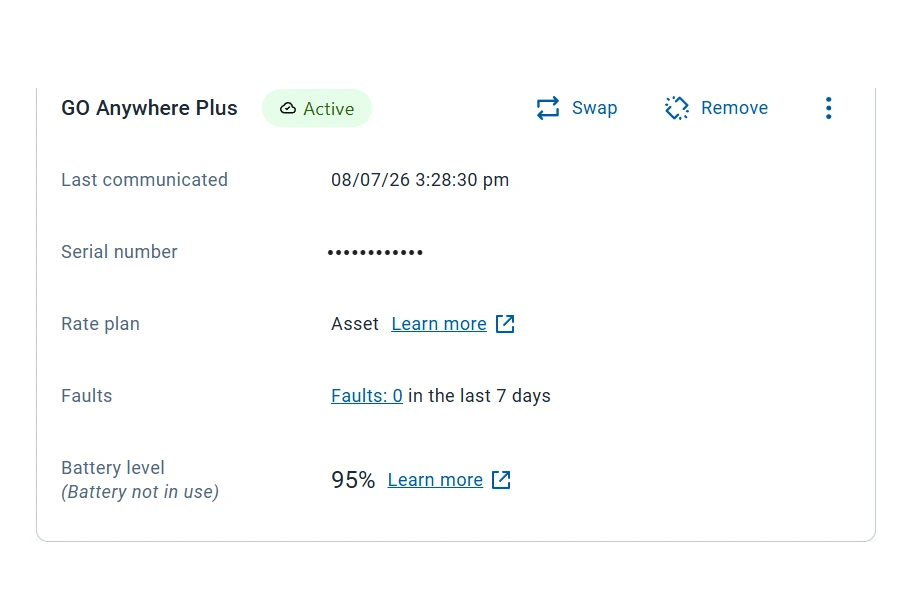
How we help: It stores messages for the next check-in; GO Anywhere Plus adds Starlink Direct-to-Cell through select carriers.
What if a GO Anywhere Plus goes on an asset with no ignition signal?
Your crew: Installs it either way; with no ignition signal, a fast flash means it is working.
How we help: We confirm the right wiring before anything ships, so engine hours match real use.
Should GO Anywhere go on with screws or magnets?
Screws for anything that travels, from dry vans to roll-off bins, and magnets for parked steel with open sky above.
Can GO Anywhere go on an aluminum trailer?
Yes. Screw it to a solid rail or frame member with open sky above; on aluminum, screws do the job.
How do I know GO Anywhere activated?
A fast flash after the button press means it is configured and reporting, and without signal it keeps trying.
Does GO Anywhere Plus have to be wired?
No. It runs on battery, or wires to the asset's power for near-real-time reporting plus engine hours and distance.