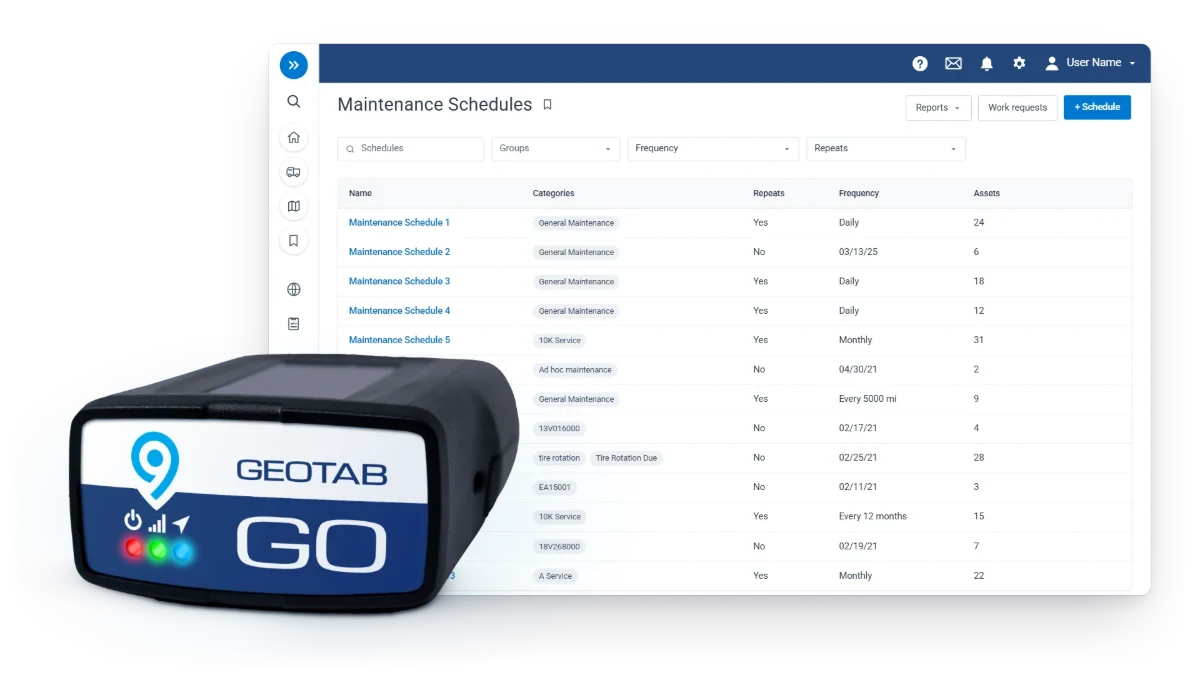
A fleet spread across several yards rarely struggles with tracking itself. It stalls at the rollout: who installs the devices, who sets up the account, and who sees what once the data starts flowing.
Geotab settles all three. One MyGeotab account carries every depot, your own crews install Plug-N-Play devices yard by yard, and our dedicated U.S.-based team stays on the phone until every device reports. Here is how a multi-site fleet tracking rollout runs when it is planned before the first box ships.

One MyGeotab Account for Every Region, Depot, and Business Unit
Multi-site fleet management starts with structure. Geotab runs your entire operation in one MyGeotab account, organized the way your business already works: by region, depot, department, or business unit.
Each regional manager sees the vehicles in their own territory. Leadership sees all of them, on one map with one login. Public agencies get the same setup, with public works, public safety, and transit each holding their own view and permissions on one agency account.
Role-based access keeps it clean as you grow. A new yard becomes a new group, not a new system, and a fleet of 500 runs the same proven platform as a fleet of 50.
Groups, Zones, and Rules Built Before the First Device Ships
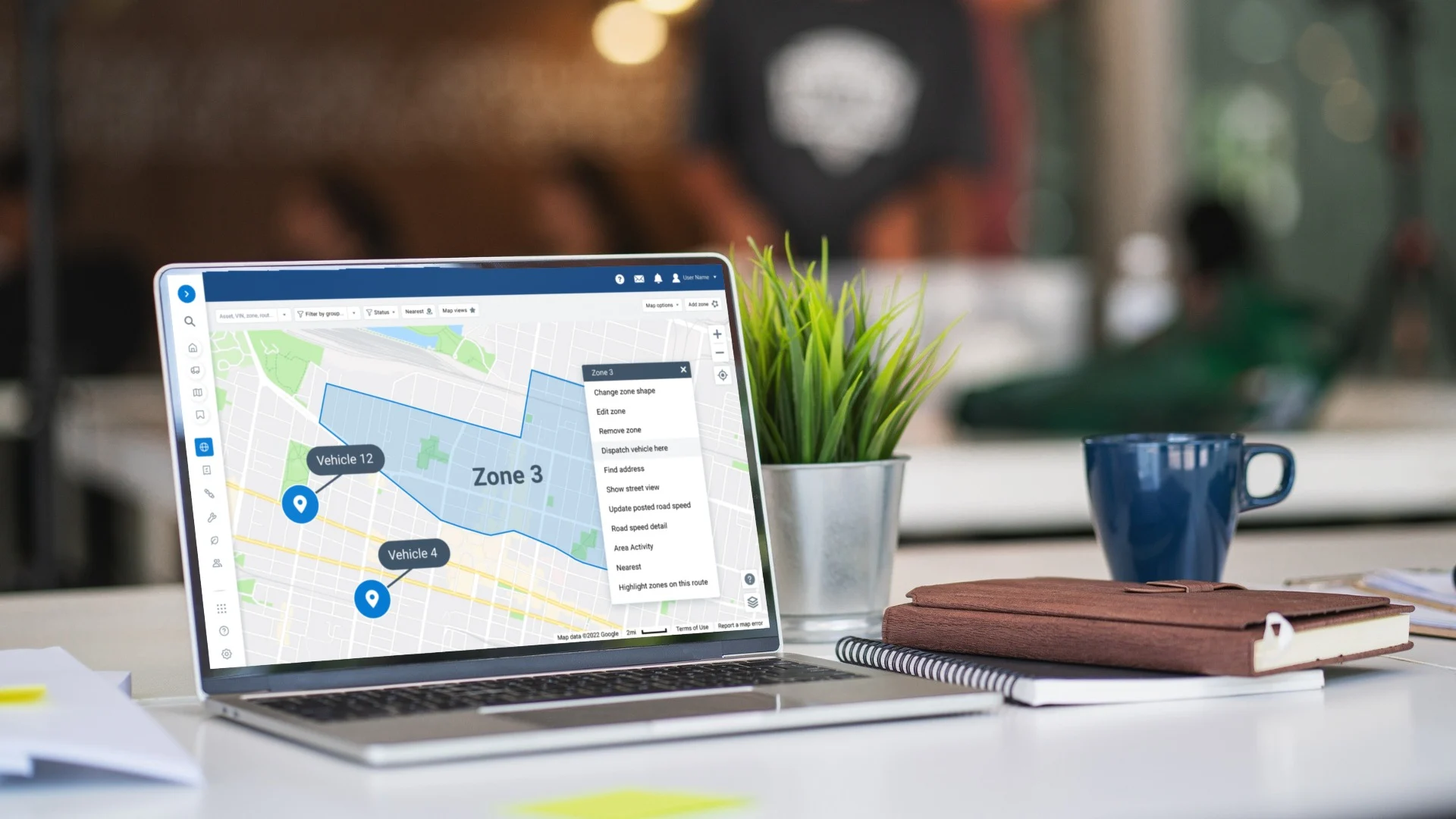
The setup nobody planned is what slows most rollouts down. We do it first. Before the first device ships, our team in Garner, NC builds your groups, zones, and rules around your org chart and your yards.
Depot geofences, after-hours rules, speeding thresholds, and idling alerts are set before day one. Every device arrives configured, so the first vehicle that plugs in reports into the right group with the right rules already watching.
Your team logs in to a working fleet, not a blank screen.
Fleet Tracking Rollout, Depot by Depot

Geotab GO9 and GO10 trackers are Plug-N-Play. Your own crews install them yard by yard, with no installer schedule to wait on and no downtime. Every unit ships matched to its vehicle's make, model, and year, with the right adapter in the box, so nothing is left to work out in the yard.
Start with the depot that has the most to prove, then move through the rest on your own calendar. Each yard goes live as its crew finishes.
Our dedicated U.S.-based team answers in minutes and stays on the phone until every device reports. We confirm each unit is live while your crew stands at the truck. After that, every device is checked nightly, and any unit that goes quiet lands on our offline list with its last-heard time and place.
Running fleets across several regions? See how Geotab enterprise fleet management handles security, purchasing, and rollout for every one of them.
Vehicles, Trailers, Heavy Equipment, and Cameras on One Map
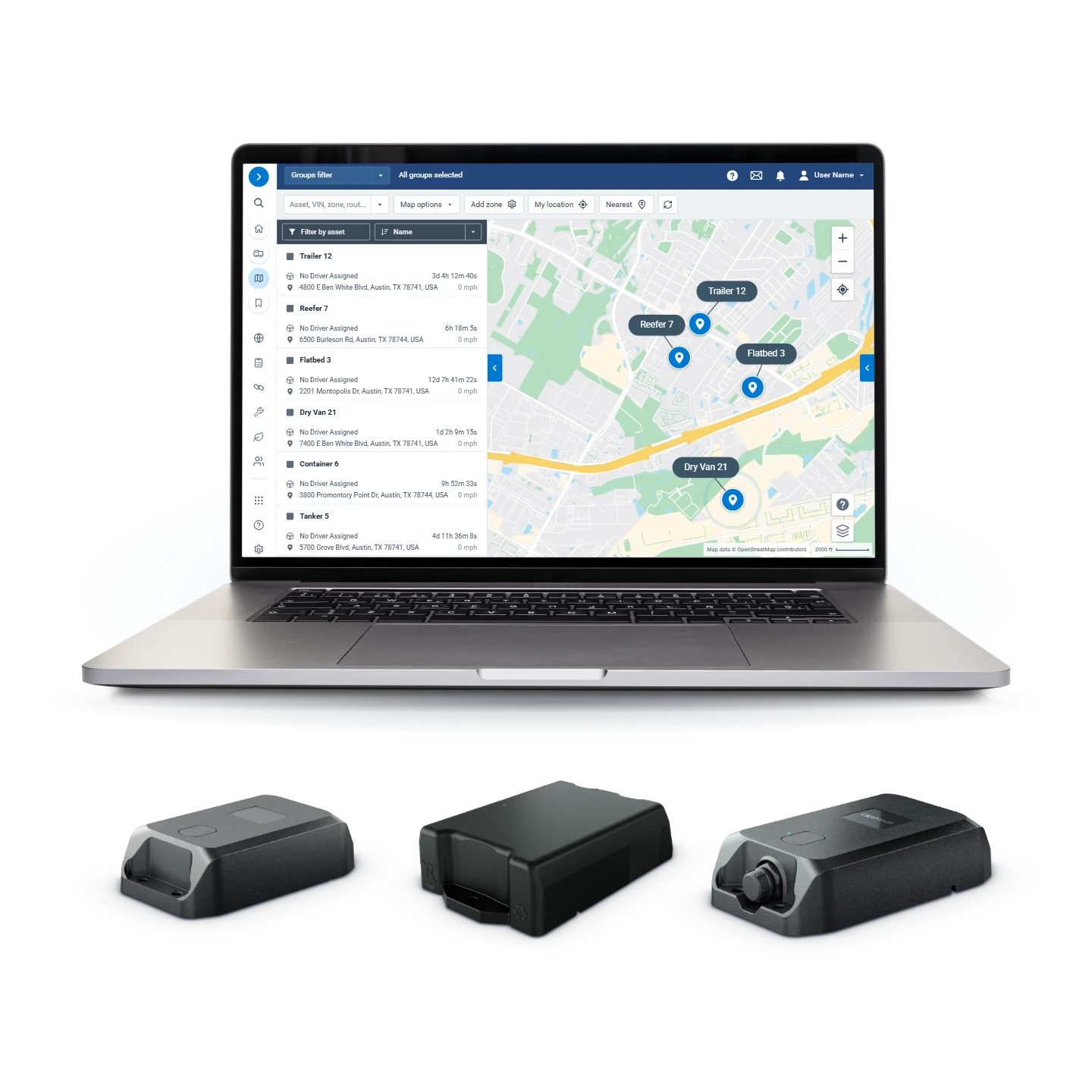
Most multi-site fleets are mixed fleets. Geotab matches each asset to the device built for it and puts every one of them on the same map.
- Cars, vans, and trucks: Geotab GO9 or Next-Gen GO10 trackers
- Trailers and unpowered assets: GO Anywhere, on one battery, with nothing to wire or recharge
- Heavy equipment: GO Rugged, sealed for the job site and matched to each machine before it ships
- Driver safety: GO Focus AI dash cameras, Plug-N-Play into the tracker already in the vehicle, flagging 30+ behaviors you can tune
- Newer vehicles: factory telematics connects straight in on 30+ vehicle brands, with nothing to fit
One login covers all of it, and you can add any of it later. See every Geotab solution side by side before you choose.
Enterprise Security Certifications for Large Fleets

Large-fleet projects pass through IT before they reach the yard. Geotab arrives with the answers documented. The MyGeotab platform is FedRAMP Authorized (Moderate), since 2020, and Geotab's security program carries ISO/IEC 27001:2022 and SOC 2 Type 2.
Role-based access limits each user to their own region, depot, or business unit, and the audit log records who saw what, and when. Your data stays yours, exportable any time and readable by your own systems through Data Connector and the API.
Public agencies join 2,900+ public-sector customers on Geotab, and they can buy through Sourcewell contract 102924-GEO. Our data security page walks your IT team through the details.
Fleet Reporting by Region, Built for Leadership
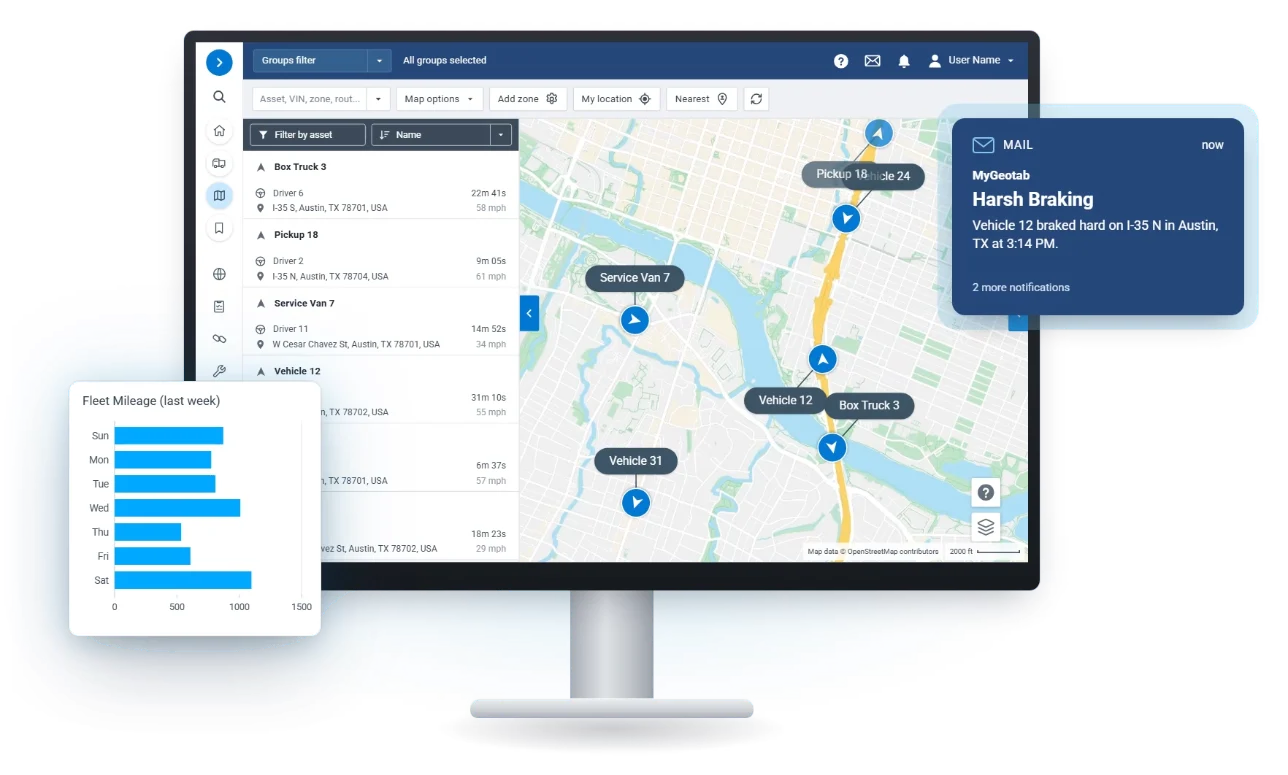
Once every depot reports, the numbers start working for you. Each regional manager gets idling, safety, utilization, and maintenance reports filtered to their own group. Leadership gets the roll-up across every site, in the same format every week.
Geotab Scheduled Reports email those numbers daily, weekly, or monthly, so the people who never log in still see them. For anything a report does not cover, Geotab Ace answers plain-language questions. Ace is included with your Geotab subscription and works only within the permissions each user already has in MyGeotab.
Put your depots side by side and the priorities show themselves: the yard with the most idling, the region with the most harsh braking, the business unit with vehicles sitting unused.
FAQ
Can Geotab manage a fleet spread across multiple depots and regions?
Yes, Geotab runs a multi-site fleet in one MyGeotab account, with each region, depot, or business unit seeing only its own vehicles and leadership seeing all of them. We build the groups, zones, and rules before the first device ships.
Who installs Geotab devices in a multi-site rollout?
Your own crews install them, because Geotab GO9 and GO10 trackers are Plug-N-Play, with no installer schedule and no downtime. Our dedicated U.S.-based team stays on the phone until every device reports.
Is Geotab secure enough for enterprise and government IT reviews?
Yes, the MyGeotab platform is FedRAMP Authorized (Moderate), since 2020, and Geotab carries ISO/IEC 27001:2022 and SOC 2 Type 2. Role-based access limits each user to their own region, depot, or business unit.
Can trailers, heavy equipment, and cameras run in the same account as our vehicles?
Yes, vehicles on GO9 or GO10, trailers on GO Anywhere, heavy equipment on GO Rugged, and GO Focus AI dash cameras all report to the same map, the same reports, and the same login.