A new fleet tracking system shows you hundreds of numbers. In the first month, only five matter. They tell you whether the system is paying for itself.
1. Idling Hours per Vehicle
Idling is the easiest money in fleet management. Pull the idling report weekly, share it with drivers, and watch it fall.
2. After-hours Vehicle Use
Set a simple after-hours movement rule in week one. What you learn may be nothing, or it may pay for the whole system.
3. Harsh Events per 100 Miles
Harsh braking, acceleration, and cornering, normalized by distance, is your cleanest driver-behavior trend line. Watch it, then start conversations with the outliers.
4. Unassigned or Missing Trips
A device unplugged, a vehicle in the wrong group, a driver not matched. Fix these in the first weeks while the list is short.
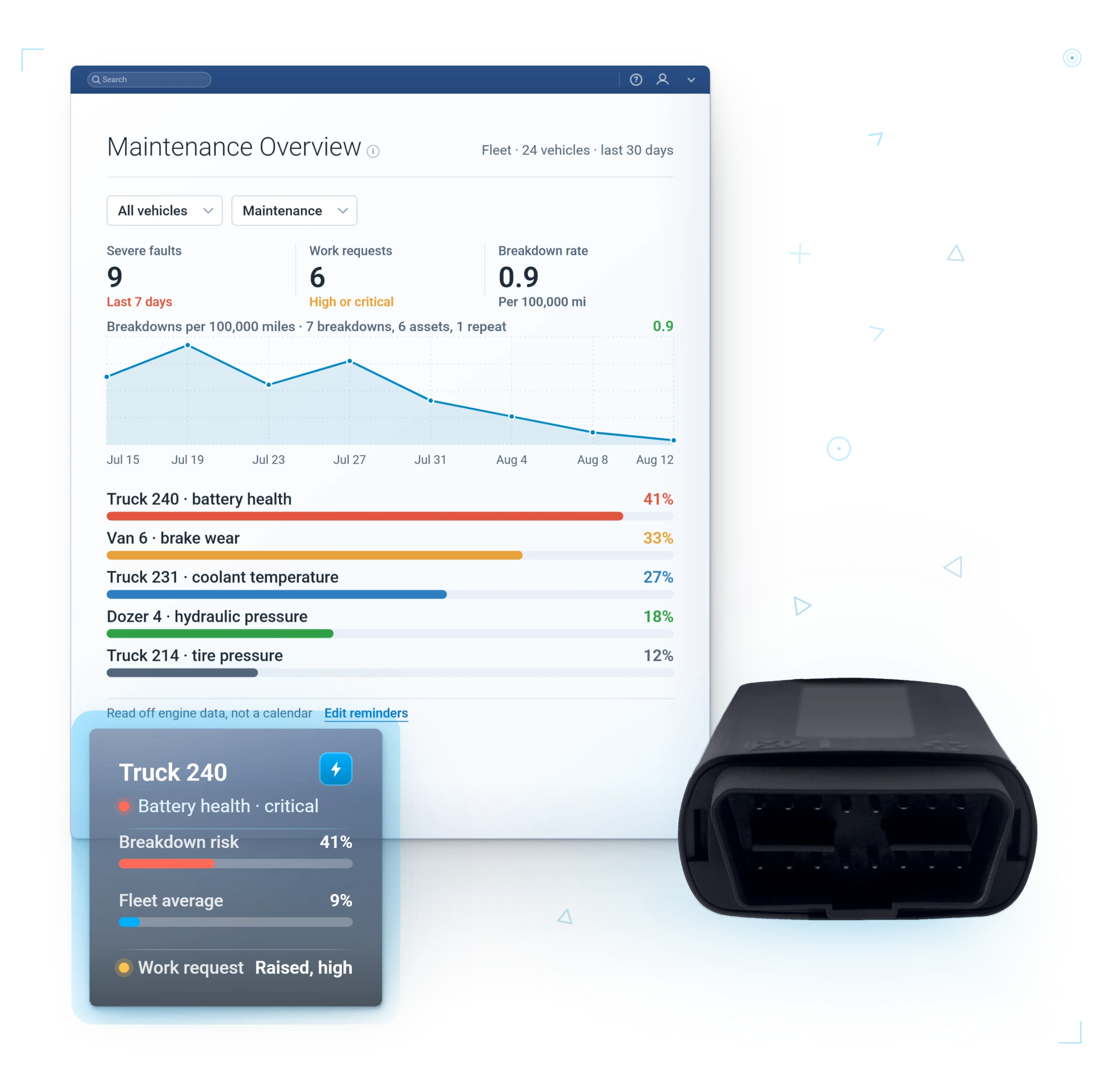
5. Fault Codes on Your Oldest Vehicles
Catch the alternator in the yard instead of on the highway. Reactive repairs run 2-5x the cost of preventive maintenance (McKinsey), and the average roadside breakdown costs about $1,200 (NPTC).
Reading about it is slower than watching your own truck on the map.
Get My Free DemoContact Us TodayThe Habit That Makes It Stick
Pick one 15-minute slot each week to review these five numbers, then set up Scheduled Reports. When leadership sees the same five numbers every Monday, the program stops needing a champion.
Want help setting these up? It is part of every GPSFMS onboarding. Start with a free demo and we will build them with you.