The free demo is the fastest way to find out what Geotab does for your fleet, because it happens on your own vehicle, not in a slideshow. Here is exactly how it works.
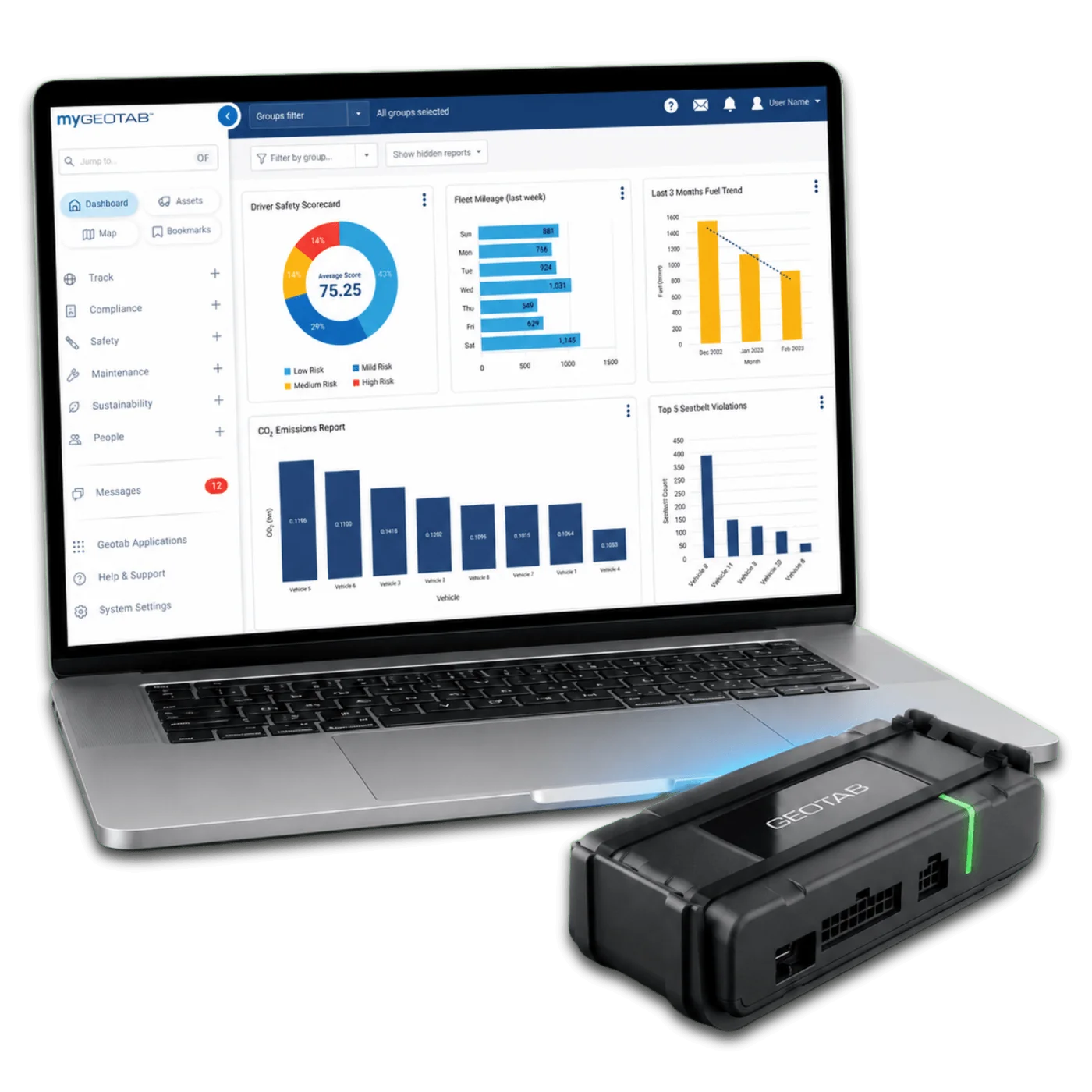
After you request a demo, a fleet specialist confirms the details by phone and email. Pricing and contract questions get answered here too.
Your Plug-N-Play demo unit ships right after approval, while we build your personalized account with starter rules that match what you care about.
Push the device into the port under the dash until it seats. The confirmation beeps say it's in, and it finishes its own setup in 10 to 15 minutes. Our install support guide covers the rest.
Trips, stops, idling, speeding, harsh events. Your specialist walks the dashboard, sets an alert or two, and shows the reports fleets use.
Reading about the demo is slower than starting one. The form takes about a minute.
Start a Free Pilot TodayContact Us TodayHow to Get the Most From Your Trial
- Put it on your busiest vehicle. More activity means more to learn.
- Do not announce the exact day it goes in. Baseline data is the honest kind.
- Bring one real problem. A billing dispute, a fuel bill, a customer complaint. Ask us to solve it with the data.
- Invite the skeptic. The dispatcher or ops manager who doubts it will ask the best questions.